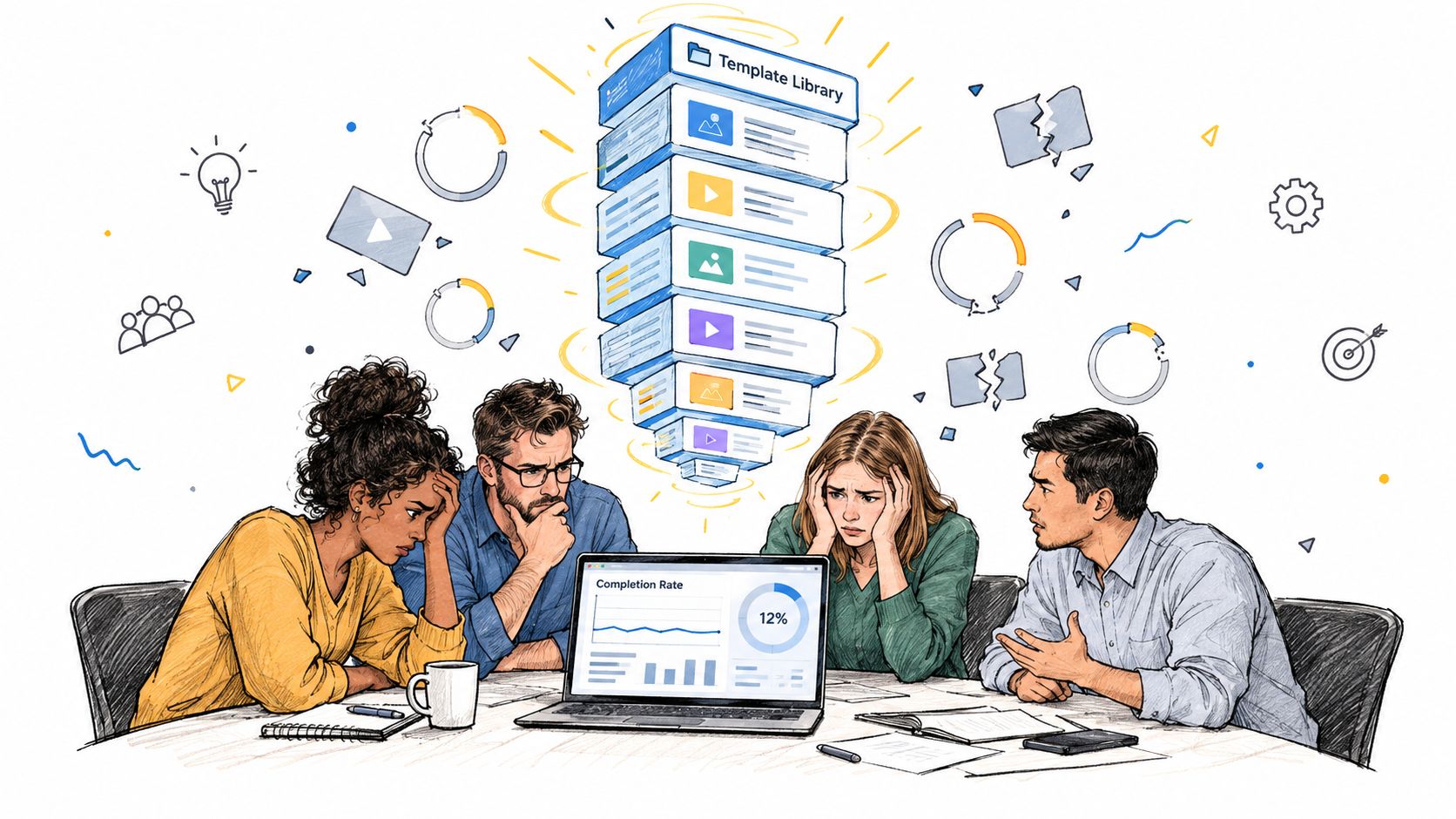
Your team has probably lived this already. The videos look sharp, the intro sting is on brand, and every course opens the same way, but learners still stop halfway through and the quiz results don't move. That usually means the problem isn't production quality, it's the template itself.
A strong video template is not a visual skin. It's a learning system that decides what every future video must contain, what can vary, and what should never be left to improvisation. If you're figuring out how to create video templates that help people learn, the goal is simple, build a format that speeds up production without flattening comprehension.
Table of Contents
- The real problem is not branding - Lock the canvas before you lock the cosmetics - Treat runtime as a default, not a law - Build the scene schema once - Expose only the variables that change - Keep narration, text, and visuals separate - Let pacing live in the template, not in the editor - Onboarding works with a lighter scene set - Compliance needs stricter controls - LMS packaging adds publishing discipline - Set the export rules up front - Lock the variables that tend to break - Match the output to the workflow - Make the template force attention, not clutter - Watch for the failures that waste the most time - Use a short launch checklistWhy Most Video Templates Fail Before the First View
The most common failure mode is familiar to any L&D lead who's shipped a polished library and still heard, “Can we make this shorter?” The template standardizes the intro music, lower thirds, and transitions, but it doesn't standardize the learning experience. So every new video gets the same shell, yet each one still reads like a different person improvised it.
The real problem is not branding
When teams treat templates as style guides, they usually optimize the easiest things to see. They lock in fonts, motion, and colors, then leave the hard parts open, such as objective, segmentation, and where learners are supposed to think or act. The result is a polished asset that still asks too much of the viewer.
A better template starts with an instructional promise. One video, one job. One segment, one idea. One place where the learner gets a quick recap or check for understanding. That's a very different design choice from “make every video look like the same series.”
> Practical rule: If a template can't tell a creator what belongs in each scene, it isn't really a template yet.
The data backs up that instinct. In a 2025 study presented through the American Society for Engineering Education, 40.1% of surveyed students preferred educational videos of 5 minutes or less, while 51.6% preferred videos lasting 10 to 20 minutes. Only 8.2% preferred full-length lectures of 50 minutes or more, and nearly 90% rated bite-sized videos as effective or somewhat effective for exam preparation (study PDF). That doesn't mean every lesson must be tiny. It does mean your template should make short, focused instruction easy to produce by default.
A good way to think about it is this, a production template standardizes the look, but a learning template standardizes the thinking.
Designing the Template Structure
The first decisions happen before any visual polish. If the structure is loose, every later decision becomes a workaround. If the structure is tight, creators can swap content without breaking the lesson.
Lock the canvas before you lock the cosmetics
Aspect ratio sounds technical, but it's really a distribution decision. Training videos move across LMS players, slide decks, phones, and social or mobile surfaces, so a single fixed layout can break in a hurry. The history of video formats shows why this matters, too, because formats evolve with their destinations, from the old 4:3 standard to 16:9 for high-definition delivery, with film standards also changing over time (film aspect ratios reference).
That's why a template should define safe zones instead of assuming every export lands on the same canvas. Keep text readable after cropping, keep diagrams inside the central area, and keep subtitles away from edges that different players may trim. For distributed training, you want alternate compositions ready for 16:9, 4:3, and portrait or square adaptations.
Treat runtime as a default, not a law
The most useful runtime target is the one creators can hit without rewriting the lesson around it. Research analyzing 6.9 million video-watching sessions across four edX MOOCs found median engagement near 100% for videos shorter than 6 minutes, about 50% for 9 to 12 minutes, and about 20% for 12 to 40 minutes (edX engagement study). That's a strong signal for routine microlearning, but it isn't a universal rule.
For a working template, keep the default module under 6 minutes and design the scene flow so a longer lesson is still possible when the subject needs it. The sequence should feel repeatable, something like hook, explanation, worked example, knowledge check, and takeaway. The key is that each scene earns its place.
Build the scene schema once
A template becomes reusable when the fields are explicit. At minimum, each scene needs the learning objective, narration, visual asset, screen text, timing, interaction, caption text, and accessibility description. That way, creators don't just drop assets into a timeline, they fill a system.
A practical reference point for structure is the YouTube video script template guide, which is useful when you want to separate hook, explanation, and recap cleanly rather than writing one long script. For internal planning, the corporate video templates perspective is helpful because it keeps the template focused on repeatable training use, not one-off edits.
Building the Template in VideoLearningAI
A template should make the next production decision obvious. Start with a blank project or base format, define the fixed scene schema, and then assign each field to the correct layer. This keeps production predictable while preserving the instructional decisions that support comprehension.
Expose only the variables that change
Training authors usually need to edit title, presenter, examples, quiz items, language, and duration. Those fields can remain open. Brand treatment, caption position, contrast, accessibility settings, and pacing should stay locked unless a production owner changes them.
Use the scene schema from the previous section as the fixed order, and only vary the fields inside each scene. Repeating the sequence in every template makes it harder to see which choices affect learning. A fixed structure also prevents an author from giving one segment too much detail while reducing another to a rushed summary.
The right template behaves like a learning system, not a visual skin. Its fields encode decisions about the objective, segmentation, signaling, and retrieval. A duration override and editable content fields are enough for onboarding, compliance, and customer-education teams publishing through an LMS.
Keep narration, text, and visuals separate
Do not tie every element to one text field. Separate placeholders for narration, screen text, and visual assets so localization, captioning, and accessibility updates do not require a scene rebuild. Narration should explain the idea, screen text should signal the point, and visuals should show the example or process.
The Data Hunters Agency template guide illustrates how reusable formats depend on standardized structure rather than ad hoc edits. Apply the same rule to training: define what authors may change, then protect the settings that preserve consistency and access.
VideoLearningAI supports this approach through repeatable formats and scene-level structure rather than a loose editing canvas. That setup is useful when one instructional system must serve onboarding, compliance, and customer education without requiring a new build each time.
Let pacing live in the template, not in the editor
Set cut cadence, keyword timing, and permitted transitions before authors begin. Otherwise, pacing becomes an individual preference and lessons drift from one production to the next.
Attach each placeholder to its intended layer. Narration should stand on its own, screen text should reinforce rather than duplicate it, and visuals should carry the demonstration. This separation makes translation, revision, and quality checks easier to manage.
!Screenshot from https://www.videolearningai.com
Adapting the Same Template Across Use Cases
A good template doesn't need a rebuild every time the business problem changes. It needs a controlled set of variables that let the same structure serve different audiences without becoming vague. The point is not to make every training video look identical, it's to make every version feel like it was built from the same instructional logic.
Onboarding works with a lighter scene set
For a 60-second onboarding welcome, the template should get stripped down, not stretched. Keep the hook, objective, and recap. Drop the longer explanation and worked example unless the role is unusually complex.
The fields that change are straightforward, title, presenter name, welcome message, and maybe a brief role-specific example. The fields that stay locked are pacing, brand kit, and accessibility rules. That restraint matters because first-day content should feel easy to absorb, not like a mini course that missed the point.
Compliance needs stricter controls
Compliance training is where template governance earns its keep. Regulated terminology, naming conventions, and review workflows shouldn't be optional fields. They should be template rules.
> Compliance content fails when the team lets every author improvise the same language three different ways.
A compliance module often needs an extra worked example and a mandatory knowledge check, because the learner has to see the procedure applied, not just hear it described. The runtime can be longer than a welcome video, but the lesson still needs the same skeleton. What changes is the objective, the examples, the review path, and sometimes the locale-specific wording. What stays fixed is the approved scene order, accessibility requirements, and version control.
LMS packaging adds publishing discipline
Customer education or LMS delivery usually needs the cleanest handoff. Here, the template should preserve the same core structure but allow the creator to swap presenter, examples, language, and assessment items for different audiences. The lesson can stay short while still being modular enough for packaging and reuse.
| Template Field Lockdown by Layer | Locked in template | Exposed as variable | Why it matters | | --- | --- | --- | --- | | Brand | Logo placement, font set, color rules | Title, presenter name | Keeps every lesson recognizable | | Learning flow | Scene order, pacing beats | Examples, quiz items | Protects comprehension from ad hoc edits | | Accessibility | Caption style, transcript rules, contrast | Language, text labels | Reduces rework and late fixes |
The bigger point is simple. A strong template is a small product. It should have opinionated defaults, a narrow set of safe inputs, and a clear path for versioned updates when the audience or jurisdiction changes.
Branding, Pacing, and Export Settings
The production layer should feel like guardrails, not decoration. Brand rules still matter, but they work best when they're locked at the template level so editors can't accidentally move the logo, change the font stack, or introduce motion that slows the lesson down. That kind of consistency saves review time later.
Set the export rules up front
Export settings need to match where the video will live. If the lesson goes into an LMS, choose settings that hold up cleanly in player windows and on mobile. If the file will be reused in slides or support docs, preserve readability and subtitle integrity first.
The caption workflow deserves special attention. W3C guidance identifies captions as required at WCAG Level A when important audio content is present, and accessibility guidance recommends synchronized captions plus a descriptive transcript for broad WCAG 2.0 Level A/AA coverage (W3C media captions guidance). That means the template should make caption delivery part of the export package, not an afterthought.
Lock the variables that tend to break
A production template should expose only the fields that are safe to swap. Keep title length bounded, avoid unsupported characters, and don't let a creator override the brand rules or caption format. If the template accepts overlong titles, edge-cropped subtitles, or raw auto-captions, someone will eventually ship a broken lesson.
Match the output to the workflow
Different teams need different degrees of openness, but the principle stays the same. Let creators fill in content, not production policy. Let them choose examples, not typography. Let them update language, not accessibility settings.
| Layer | Locked in template | Exposed as variable | Why it matters | | --- | --- | --- | --- | | Visual brand | Logo, colors, typography, motion style | Title, examples, presenter | Prevents off-brand variations | | Accessibility | Caption format, transcript requirement, contrast rules | Language, speaker name | Keeps the lesson usable across devices | | Delivery | Export preset, file naming, version ID | Course name, module name | Makes publishing and tracking cleaner |
The Learning-Science Case for Fewer Decorations
The best templates usually look a little less exciting than the ones marketing teams want at first. That's because more polish doesn't automatically improve learning. Decorative motion, dense overlays, and fancy transitions add extraneous cognitive load if they compete with the actual idea the learner needs to process.
Make the template force attention, not clutter
Recent evidence-informed guidance recommends using only learning-relevant information, visual cues that direct attention, deliberate segmentation with pauses, visible presenters when useful, first-person demonstrations, and learner-generating activities (Monash evidence-informed tips). Those choices map cleanly to template fields.
An attention cue slot tells the creator where signaling belongs. A pause point gives the learner a moment to process. A retrieval question turns the end of a segment into practice instead of decoration. A follow-up task keeps the content connected to work.
> If a motion effect doesn't help the learner find, process, or remember the key point, it's probably just noise.
That's the contrarian lesson many teams resist. A highly polished template can still produce weak instruction if it encourages uninterrupted playback and visual overload. A constrained template often performs better because it makes the right thing easier to build than the wrong thing.
Troubleshooting, QA, and Launch Checklist
Before publishing, run the template through a two-pass review. First, check factual accuracy and timing against the source material. Then test keyboard navigation, captions, transcript accuracy, mobile playback, and audio intelligibility. The order matters because a video can sound fine and still fail accessibility review.
Watch for the failures that waste the most time
The usual problems are predictable. Auto-generated captions get left unedited. Essential information lives only inside a chart or demo and never appears in the transcript. A title field accepts a string so long that it breaks the scene layout. Those are all template problems, not just editor mistakes.
The quality assurance procedures guide is a helpful reference point for turning review into a repeatable process, especially when you're publishing at scale. The important part is making QA part of the template lifecycle, not a one-time check at the end.
> Launch rule: Pilot the template with a small audience, inspect completion and drop-off by scene, then revise any segment where learners leave disproportionately.
Use a short launch checklist
- Objective: Confirm each video has one observable learning goal.
- Structure: Verify the scene order matches the approved template.
- Captions: Edit names, acronyms, numbers, and regulated terms manually.
- Transcript: Check that visuals with essential meaning are described.
- Playback: Test on desktop and mobile, not just in the editor.
- Variables: Make sure only safe fields are editable.
- Versioning: Confirm the file name and template version are consistent.
If you want a template that can survive onboarding, compliance, and LMS publishing without constant rework, VideoLearningAI gives teams a structured way to define scenes, variables, and learning-specific rules in one place. Visit VideoLearningAI if you want to turn your current training format into a repeatable system that's easier to update, localize, and publish.