Ninety-six percent of organizations in a 2024 Forrester survey of 300 U.S. customer-education decision-makers had either broken even or earned a positive return on customer education, and 86% reported a specifically positive return. The same research tied those programs to an average 38.3% increase in adoption of the products covered by training and an average 7.6% increase in annual revenue for those products, as summarized in Intellum's review of customer-training LMS economics. The sample is U.S.-based, so it isn't a global benchmark. It still reframes the buy. A customer training platform has to connect lessons with usage and revenue, not just with a completion certificate.
Table of Contents
- Who this comparison is for - What you should be able to decide - Functions you should refuse to trade away - The minimum record set - What to verify in the room - Cost per maintained lesson - Onboarding against a busy release calendar - Partners and resellers across regions - A legacy library cut into short lessons - How it compares with production-first tools - A pilot that Finance can readWhy Customer Training Now Drives Measurable Business Results
Finance used to treat customer education as a softer cousin of support. The return figures above make that stance hard to defend. Training that lifts adoption on the products it covers is a commercial activity. The useful question is no longer whether to teach customers. It's which system can show Product and Finance that the teaching changed behavior.
Completion is a weak proxy for that change. A customer can finish a mandatory module and still avoid the feature the module was built to drive. Highly engaged accounts are also more likely to show up for training in the first place, so a raw completion chart flatters the program. If you can't separate that selection effect from the lesson itself, you don't have a budget case. You have a library.
Who this comparison is for
Three buyers feel this pressure most.
- L&D and enablement leads who already run an LMS and need customer content to live beside employee content without a second stack.
- Customer education and success managers who are asked to link academies to activation, tickets, renewal, and expansion.
- Independent course creators who publish into a portal and still need progress, credentials, and a refresh path when the product changes.
If your only job is internal compliance with a stable curriculum, a lighter authoring tool may be enough. If customers, partners, and a release calendar are in scope, you need a platform that can publish, segment, and measure.
What you should be able to decide
By the end you should be able to reject tools that can't support a full learning workflow, test analytics in a demo instead of on a feature grid, and price the work around the license. You should also match traits to a real scenario instead of hunting for a universal winner. The measurement design behind that decision is laid out in this guide to how to measure training effectiveness.
> Practical rule: Score a platform on the outcomes you can defend in a forecast review. Course completion is an input, not the result.
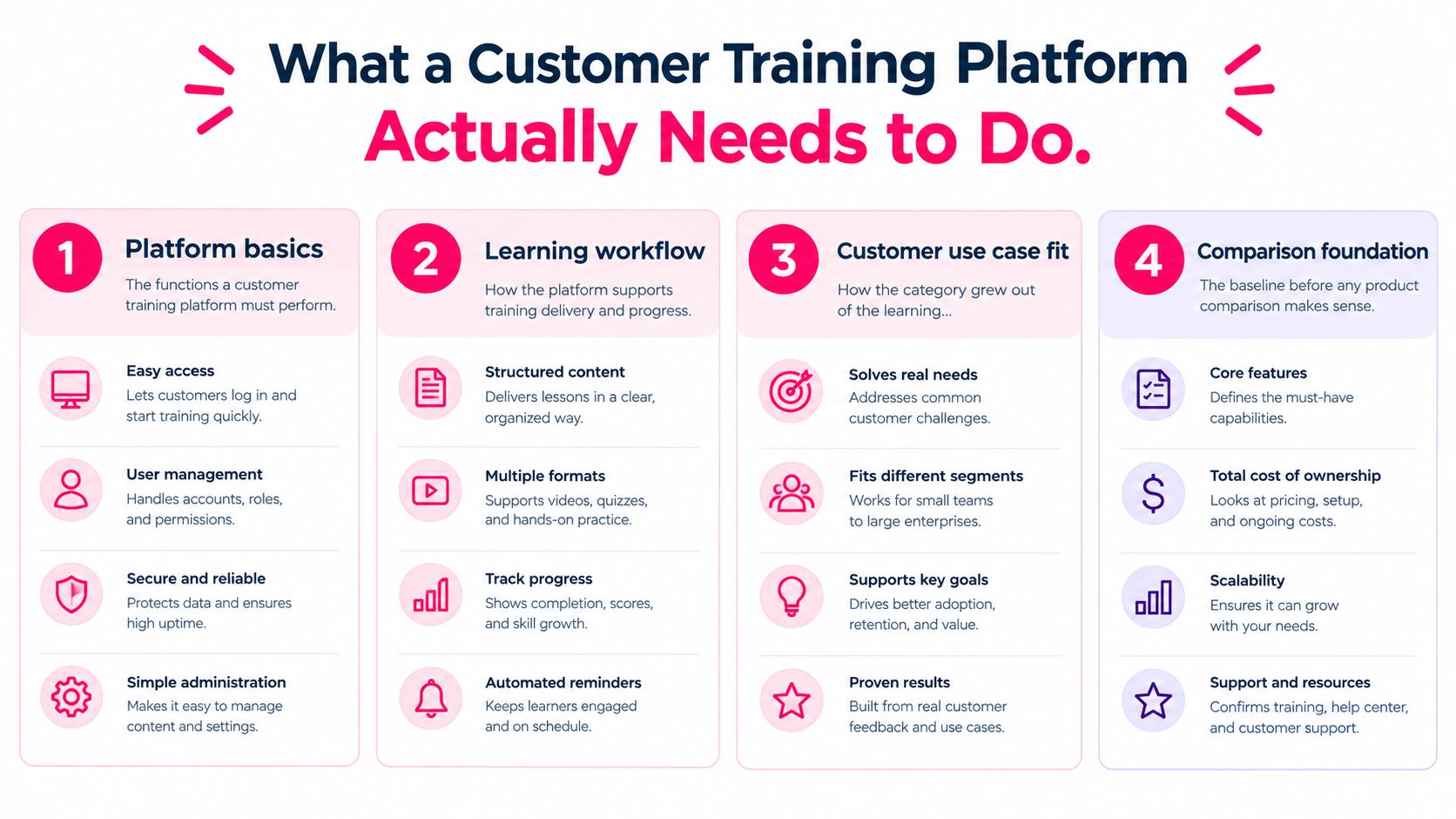
What a Customer Training Platform Actually Needs to Do
The category didn't start with customer academies. It grew out of the learning management system. Norway's NKI Distance Education Network released EKKO in 1991, identified as the first fully featured LMS, and other systems followed through the 1990s, including platforms the UK Open University used to deliver online learning across Europe. An academic account of that diffusion, the evolution of learning management systems, notes that annual reports recorded 2,835 institutions using LMS technology between 2013 and 2018, with later reporting above 3,500. Internet, multimedia, and remote study pulled the category out of campus IT and into any organization that had to teach people it doesn't employ.
That history is why a video host isn't a training platform. Hosting plays a file. A platform has to know who the learner is, which path they belong on, what they finished, and where the record goes next.
Functions you should refuse to trade away
Screen vendors against the jobs LMS buyers have expected for decades, then add the customer-specific ones.
1. Structured courses. Lessons sit in a sequence with objectives, not as a folder of clips. 2. Access control. You can limit a path by account, role, product tier, or partner type. 3. Completion and assessment records. Progress persists, and a knowledge check has a score, not only a view. 4. Distribution. Content publishes to an LMS or customer portal, with a standard such as SCORM or xAPI when the destination requires it. 5. Interoperability. Learner and account data can move toward CRM, support, or product systems. 6. Upkeep. Version control lets you replace a lesson when a workflow or policy changes without orphaning the old completion record.
Publishing standards matter more than a polished player. Customer education is consumed inside someone else's stack as often as inside yours. If the tool can't hand off a package and a completion event, your team will retype progress into a spreadsheet. That's the moment the "platform" reveals itself as a media library.
Before you compare brand names, it helps to compare customer training platforms against that baseline rather than against trailer reels. A tool that fails the list above shouldn't reach a pricing call, no matter how fast it renders a clip.
Comparing Platforms on Features, Integrations, and Analytics
Feature counts flatter vendors. Three criteria decide whether you can defend spend: publishing into the systems you already run, analytics deep enough to see where learning breaks, and templates you can reuse when the product moves. Everything else is optional until those three hold.
The minimum record set
Practical instrumentation starts at the module, not the course. You want module-level completion, drop-off points, time-on-task, assessment-item scores, certification status, and cohort cuts by account, product tier, region, and onboarding date. Raccoon Gang's customer-education platform guidance is clear that the stronger setups join those records to CRM, product analytics, and support so you can read time-to-first-value, feature adoption, tickets per account, renewal, expansion, and net revenue retention.
A pre-launch baseline should cover at least 90 days of activation time, tickets per active user, feature-adoption breadth, and renewal by cohort. Then compare trained and untrained cohorts over a defined window, controlling for size, lifecycle stage, and region. Without that control, your best customers will look like a training success because they were already engaged.
Many programs still skip that design. Absorb's state of customer education describes a gap in which more than half of programs that call themselves mature miss a stricter maturity bar, and plenty of teams that feel confident about ROI still have at least one basic measurement weakness. High completion can even mislead if the content was mandatory and behavior didn't move. Leading signals (participation, assessment, feature activation, time-to-value) have to sit next to lagging ones (tickets, renewal, expansion, health).
What to verify in the room
Use the demo to prove each criterion, not to tour the interface. One or two checks per row is enough.
| Evaluation criterion | What to verify | Why it matters | | --- | --- | --- | | LMS and publishing support | SCORM or xAPI handoff, version control, and a portal path | Distribution and tracking fail if the lesson can't leave the authoring tool | | Analytics depth | Module completion, drop-off, time-on-task, item scores, certification, cohort cuts | You can see friction, not only a finish rate | | Joined outcomes | Connectors or exports into CRM, product analytics, and support | Finance and Product read adoption, tickets, and retention | | Baseline design | Exports you can split by size, stage, region, and onboarding date | You can compare cohorts instead of celebrating self-selected completers | | Template reuse | Reusable structures for onboarding, compliance, and product education | Refresh cost stays predictable when features change |
A production add-on doesn't replace that list. Teams that create videos from images can speed up a storyboard, and that speed is useful. It still doesn't segment a cohort or write a completion event into the system of record. Treat media tools as inputs to the platform, and confirm the handoff during learning management system integration planning before you sign.
> If the vendor can't show a cohort export in the demo, assume you'll build the proof yourself after go-live.
Weighing Pricing Models Beyond the Listed Price
The subscription line is the smallest number in the decision, and it's the one procurement leads with. The true cost of a customer training platform sits in the work around the license. Someone has to turn existing decks, help articles, and release notes into lessons. Someone has to publish them into the LMS or the customer portal. Someone has to revise them when a policy or a workflow changes. Someone has to build the report Finance will accept if the vendor's dashboard stops at enrollment.
Cost per maintained lesson
Compare vendors on the cost of a lesson that stays accurate, not on the cost of a seat. Ask four scaling questions and write the answers next to the quote.
- Seats and learner counts. Does price jump with internal authors, external learners, or both? Customer audiences grow faster than your L&D team.
- Languages. Is each locale a new SKU, a translation add-on, or included? Partner programs often need more than one language in year one.
- Content volume. Are you billed by published course, by video minutes, or by active path? A microlearning model multiplies the object count even when total watch time stays flat.
- Reporting labor. If cohort joins aren't native, budget analyst time every month. That labor doesn't appear on the order form, and it doesn't go away after launch.
A higher license can be the cheaper system if it shortens the refresh cycle. Adoption gains decay when screenshots and steps go stale. A platform that lets an enablement manager republish a module without a video editor, an agency, and a two-week queue protects the outcome you already paid to create. A cheap seat that needs a specialist for every update taxes you on every release.
Don't ask vendors for a universal ROI formula, and don't invent one from the license fee. Ask what it costs to produce, publish, and revise one structured lesson, then multiply by the number of lessons your release calendar will touch in a year. Put internal hours in the same spreadsheet as the subscription. That's the number you take to Finance.
Matching Platforms to Real Customer Training Scenarios
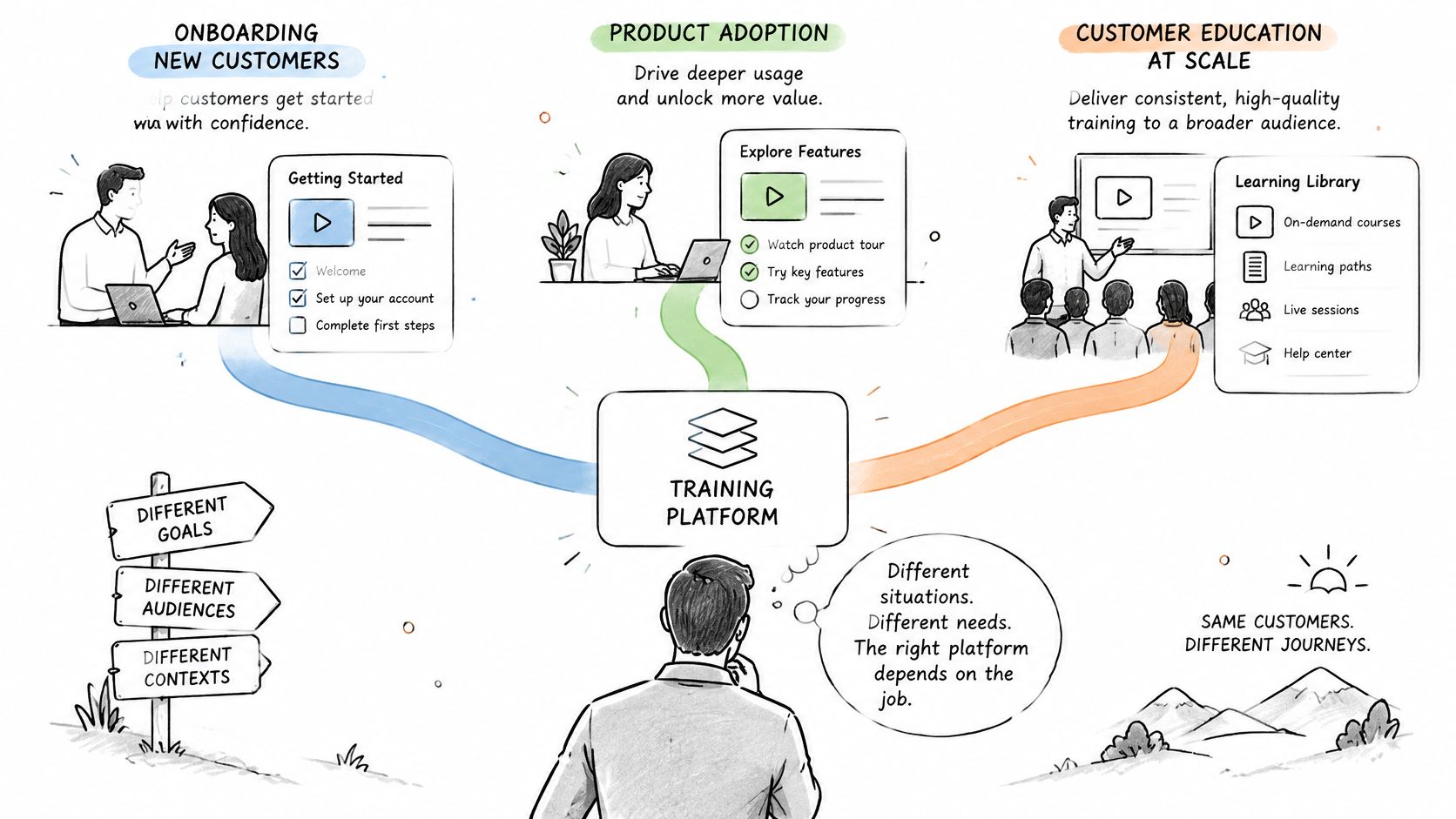
There isn't a single best fit. The job decides which traits carry weight, and a lone video is rarely the job. First-party data from 4,705 customer-education programs, reported by Trainn's customer education statistics, showed completion of 59.5% for standalone videos, 44.9% for interactive step-by-step guides, and 93.5% for structured courses paired with certification. Those figures are platform-specific and directional, not a universal benchmark. They still argue for sequencing, checks, reminders, and a credential, not a media dump.
Onboarding against a busy release calendar
A SaaS team shipping monthly needs short lessons it can swap without rebuilding the path. Weight fast video refresh, version control, and progress that survives a content swap. Role- or tier-based enrollment matters because an admin and a casual user shouldn't share one tour. Certification is optional here unless the product is complex enough that a credential predicts activation. The win is a shorter time-to-first-value, measured against the baseline you set before launch.
Partners and resellers across regions
A channel program fails when one region gets the new pitch and another still teaches last year's SKU. Multilingual delivery, segment-based enrollment, and a certification endpoint matter more than cinematic video. You also need completion to land where channel managers already work, usually a CRM or partner portal. Mobile access matters because field sellers won't sit at a desktop for a 40-minute course. Build the path as a customer education program with an explicit credential, not as a shared drive of recordings.
A legacy library cut into short lessons
The third case is the messy one. Years of webinars and PDFs exist, and nobody finishes them. Standalone clips won't fix that on their own. The completion gap above is the point. Cut the archive into bite-sized videos, then put those videos inside a sequenced course with a knowledge check and a certificate. Confirm assessments, path persistence, reminders, SCORM or xAPI, and version control before you migrate a single hour of old content. Migration without structure just moves the drop-off into a newer player.
Where VideoLearningAI Fits for Microlearning and Rapid Video
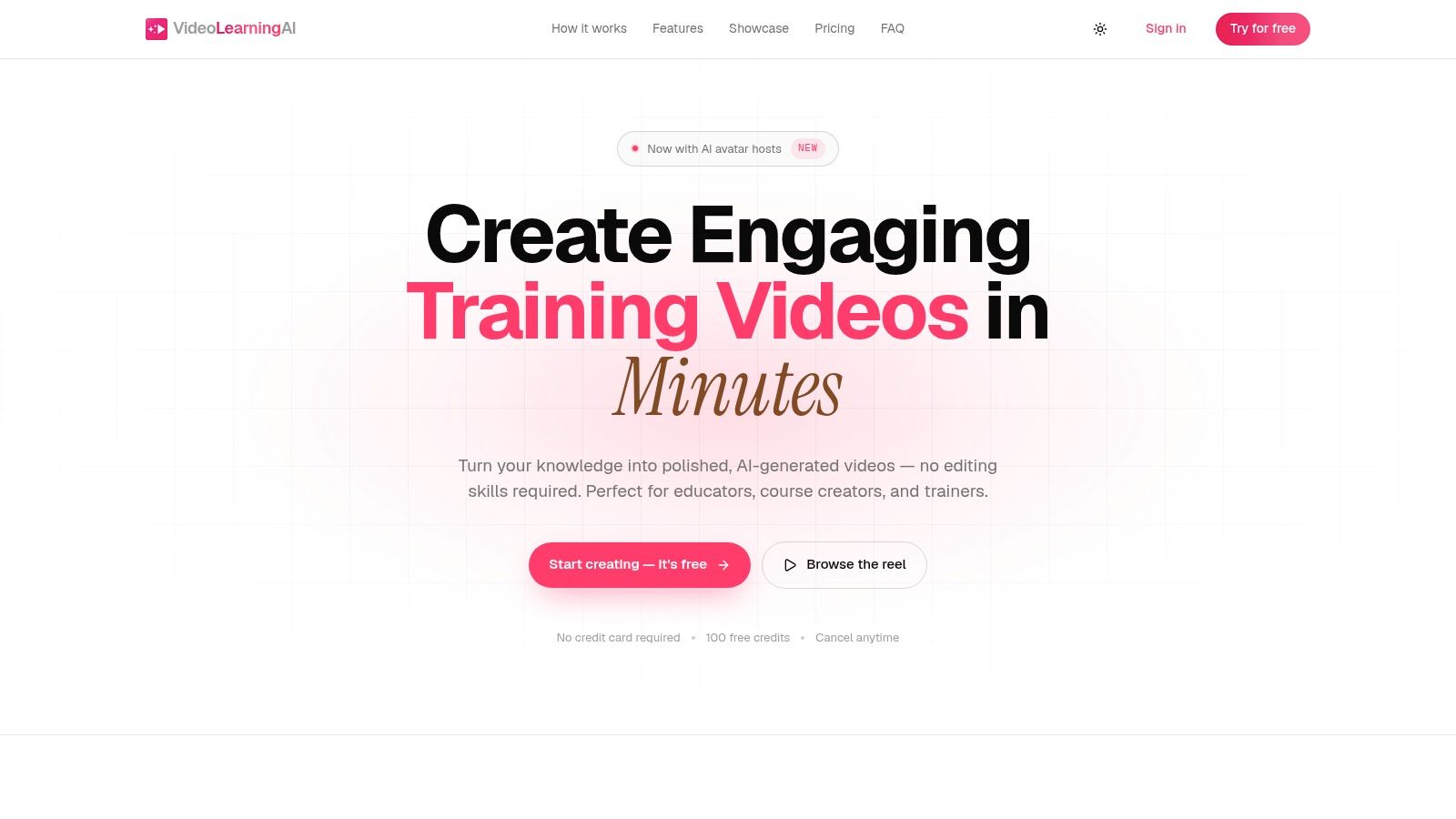
VideoLearningAI is an AI-powered option for teams that need training videos in minutes and don't have editors on staff. It turns existing course material into bite-sized microlearning, with a path from a draft idea through to publishing for a learning management system. Templates cover onboarding, compliance, sales enablement, and customer education, so a program can keep a consistent shape while product and policy content changes. It also lines up with common training standards and publishing needs, which is the handoff a customer academy requires.
!Screenshot from https://www.videolearningai.com
How it compares with production-first tools
Buyers often put it next to Synthesia, HeyGen, VEED, and Camtasia. Those tools are usually judged as video production environments. The trade-off is workflow, not a beauty contest.
- Synthesia and HeyGen suit teams whose bottleneck is presenter-style video and who will still assemble courses, assessments, and LMS packages elsewhere.
- VEED fits when the job is editing and polishing footage you already have, not converting a curriculum into a repeatable lesson format.
- Camtasia fits desktop capture and traditional editing when a specialist owns the timeline and speed is less important than frame-level control.
- VideoLearningAI fits when the source is existing material and the output must be short, templated, and ready to publish into an LMS for onboarding, compliance, sales, or customer education.
Choose it when refresh speed and template reuse dominate, especially for the legacy-library and frequent-release scenarios. De-prioritize it when your primary need is a full external LMS with deep native CRM joins, live cohort classrooms, or a channel academy that never leaves one vendor's portal. In that case the system of record should be the LMS, and a rapid-video tool should feed it. Don't expect any of these products to replace the cohort baseline, the 90-day window, or the Finance conversation. They change how fast you can supply the lesson. They don't, by themselves, prove the lesson worked.
Choosing the Right Platform and Your Next Step
Score each vendor against your constraint, not against a ranked list.
If you already run a mature LMS and owe Product and Finance a joined outcome, weight integration and reporting depth highest. A simpler portal suits a small customer base. Extended enterprise tools earn their cost when segmentation, certification, and external scale are the bottleneck. Verify every claim in a demo against your own data. Marketing pages are not evidence.
If the bottleneck is production speed, meaning many short videos updated often, choose the tool that converts existing material fastest and publish into the LMS you already trust. A rapid microlearning tool like VideoLearningAI fits that gap. It does not replace a system of record that already tracks learners, and it does not need to.
A pilot that Finance can read
Narrow to two vendors. Give each the same source packet: one product workflow, one assessment, one certificate rule, one cohort definition. Publish a single structured lesson into your LMS or portal. Compare trained and untrained accounts over a defined window against the pre-launch baseline you already set, controlling for size, stage, and region. A vendor that needs custom services to run that pilot is not ready for the budget conversation.
Keep the lesson short, sequenced, and tied to one behavior visible in product analytics. Then decide whether the platform earned a wider rollout.
---
VideoLearningAI turns existing customer-education material into short, templated training videos and publishes them for an LMS, without an editing specialist on every update. If rapid microlearning is the gap in your customer training platform stack, test the workflow against your onboarding, compliance, or product-education paths. Visit VideoLearningAI and pilot one lesson against your baseline before you expand the program.