A training team has a familiar problem: the subject-matter experts already have slide decks, policy documents, product notes, and recorded calls, but learners need short, consistent lessons they can finish. Nobody wants to build a full studio workflow for every onboarding update or compliance refresh. The right choice depends less on which platform has the flashiest AI feature and more on how well it converts source material into usable learning.
Evaluate microlearning, templates, AI automation, presenter or screen-recording requirements, editing control, captions, localization, collaboration, LMS or export support, and usage-based pricing. Also decide whether the team needs a repeatable production system or a flexible editor for occasional high-stakes work. Browser-based and template-driven tools are increasingly practical because subscription cost, hardware limitations, and storage constraints can make resource-intensive editing difficult for distributed teams, as summarized in Zapier's overview of AI video generators.
This list starts with VideoLearningAI, which is designed around automated training production, then moves through avatar platforms, animation, screen recording, text-based editing, professional post-production, browser workflows, and fast knowledge sharing. If your team also needs bespoke visual storytelling, compare the software workflow with custom whiteboard animation services before committing to an entirely automated approach.
Table of Contents
- Where it works best - The trade-off for L&D teams - A useful choice for mixed workflows - Choose interaction deliberately - Animation creates a different kind of consistency - Why it beats an avatar for product training - The best fit is already-recorded knowledge - Control has a labor cost - A practical choice for mixed publishing - Speed is the product decision1. VideoLearningAI
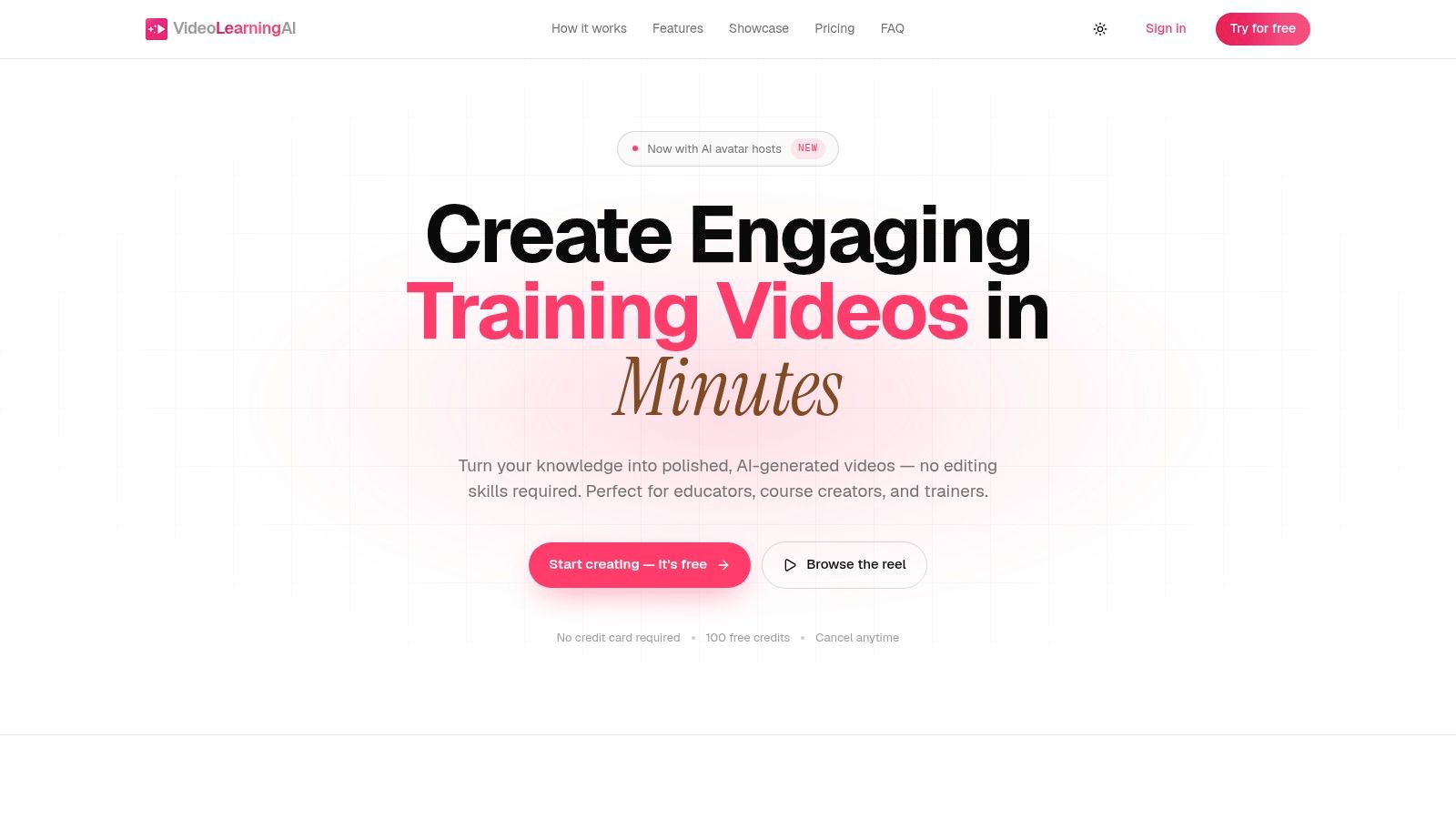
A compliance manager with a revised policy, an HR team with new-hire materials, or a customer-success team with updated procedures can use VideoLearningAI to turn that source material into structured, publish-ready microlearning. The platform converts a prompt into a script, narration, host, timed visuals, captions, and an MP4 or share link. This workflow reduces the editing required for onboarding, compliance refreshers, sales enablement, customer education, and independent courses.
VideoLearningAI includes AI avatar hosts, 70+ voices across 16+ languages, and visual styles such as photo, illustration, and 3D. Teams can create horizontal, vertical, or square versions for different channels. The platform also lists SCORM and xAPI compatibility for LMS and enterprise publishing requirements. Its practical advantage is repeatability: a learning team can reuse a lesson structure whenever policies, product details, or procedures change.
Where it works best
Use VideoLearningAI when the source already exists as a document, course outline, policy, or lesson plan and learners need a short, focused explanation. A compliance manager can divide a regulatory rule into separate lessons. An HR team can produce a consistent onboarding series. A customer-success team can turn support procedures into walkthroughs without scheduling a presenter or assigning the work to a video editor.
Each account starts with 100 free credits without a credit card, although free renders include a watermark. Starter is listed at about $29 per month for 1,000 credits, Pro at about $49 per month for 2,500 credits, and Enterprise at about $95 per month for 6,000 credits. Verify current credit usage for avatar and premium assets before forecasting.
> Practical rule: Forecast credits from the actual lesson format you'll publish, not from a generic minute count. A presenter-led lesson with premium assets may consume credits differently from a simpler visual explainer.
The trade-off is limited creative control in exchange for faster standardized production. VideoLearningAI focuses on short-form lessons, with single-video length and monthly capacity depending on the plan, typically from about 30 seconds to 5 minutes. It does not suit frame-by-frame animation, complex multi-camera footage, or bespoke human shoots. For recurring onboarding, compliance, and customer education updates, its repeatable workflow can matter more than unlimited editing flexibility.
2. Synthesia
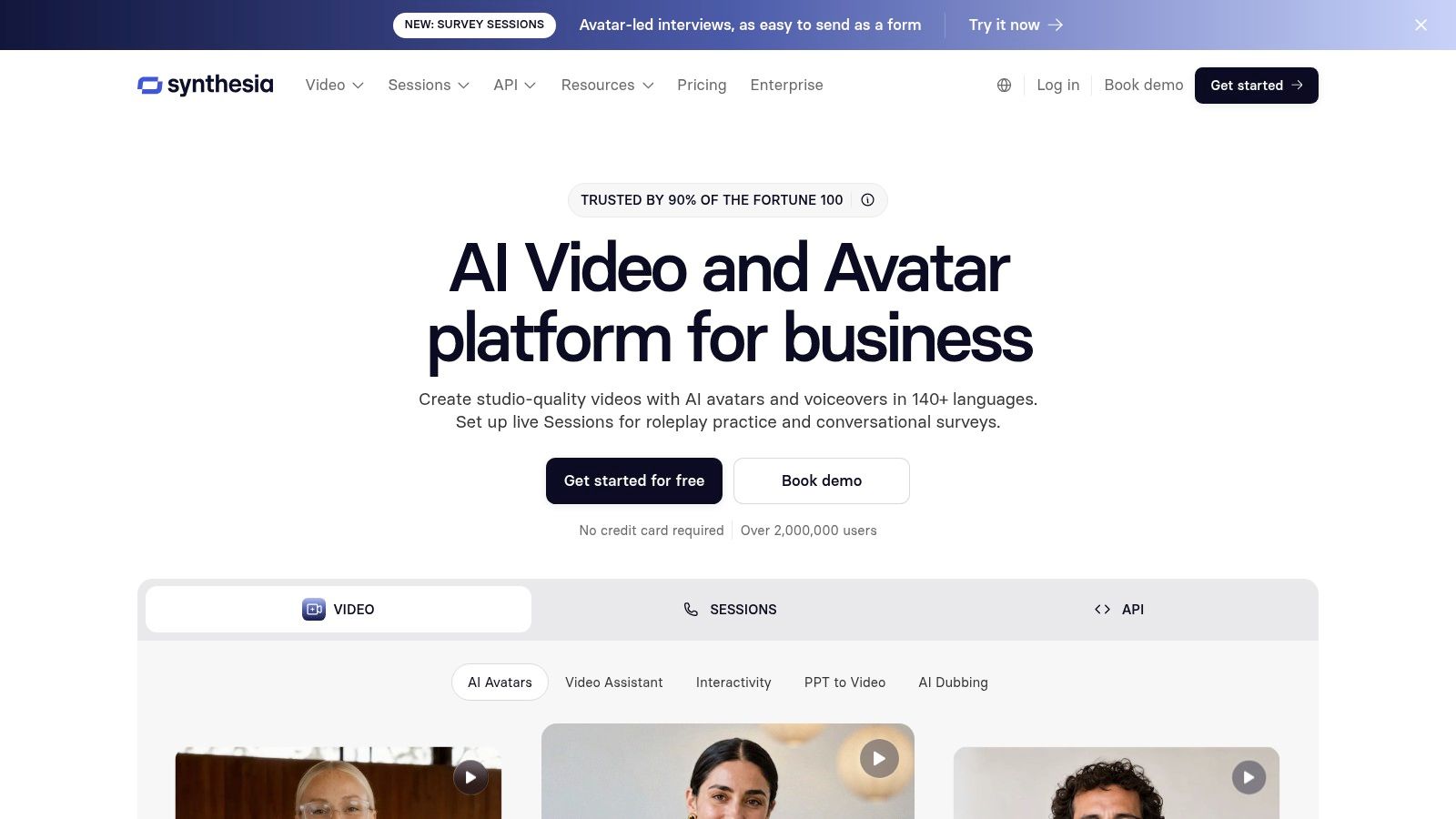
Synthesia suits organizations that want presenter-led business and training videos with strong localization and enterprise administration. Users can work from scripts, documents, or prompts, then add avatars, captions, multilingual voiceover, and branded presentation elements. The workflow is particularly useful when a global L&D team needs a consistent instructor-style format without arranging new recordings for every market.
Its strengths include 160+ languages, a broad catalog of stock AI avatars, custom personal avatars, AI dubbing, interactive videos, and scenes with multiple presenters. Enterprise features such as SSO, brand kits, dedicated customer support, and SCORM export on applicable plans make it easier to place the platform inside a governed training operation rather than treating it as a standalone creative app.
The localization workflow is the main reason to choose it over a simpler generator. A team can maintain a common script structure and visual identity while adapting narration for different audiences. That can work well for product education, global onboarding, and policy communication where consistency matters more than cinematic individuality.
The trade-off for L&D teams
Synthesia is strongest when the presenter is part of the teaching format. It's less compelling when learners need detailed software demonstrations, highly customized animation, or a conversational production style that deliberately avoids the appearance of a virtual instructor. Avatar aesthetics can also be a brand consideration, so stakeholders should review representative outputs before approving a large library.
Credits cover video generation and dubbing, which makes usage forecasting important. Enterprise controls can support a managed publishing model, but the team still needs a process for script approval, translation review, accessibility checks, and version control. For a practical comparison of presenter-led workflows, see this guide to an AI avatar video generator.
Choose Synthesia when the organization values multilingual avatar delivery, governance, and repeatable business presentation. Choose a more editing-focused platform when the lesson depends on real application footage or precise visual timing.
3. HeyGen
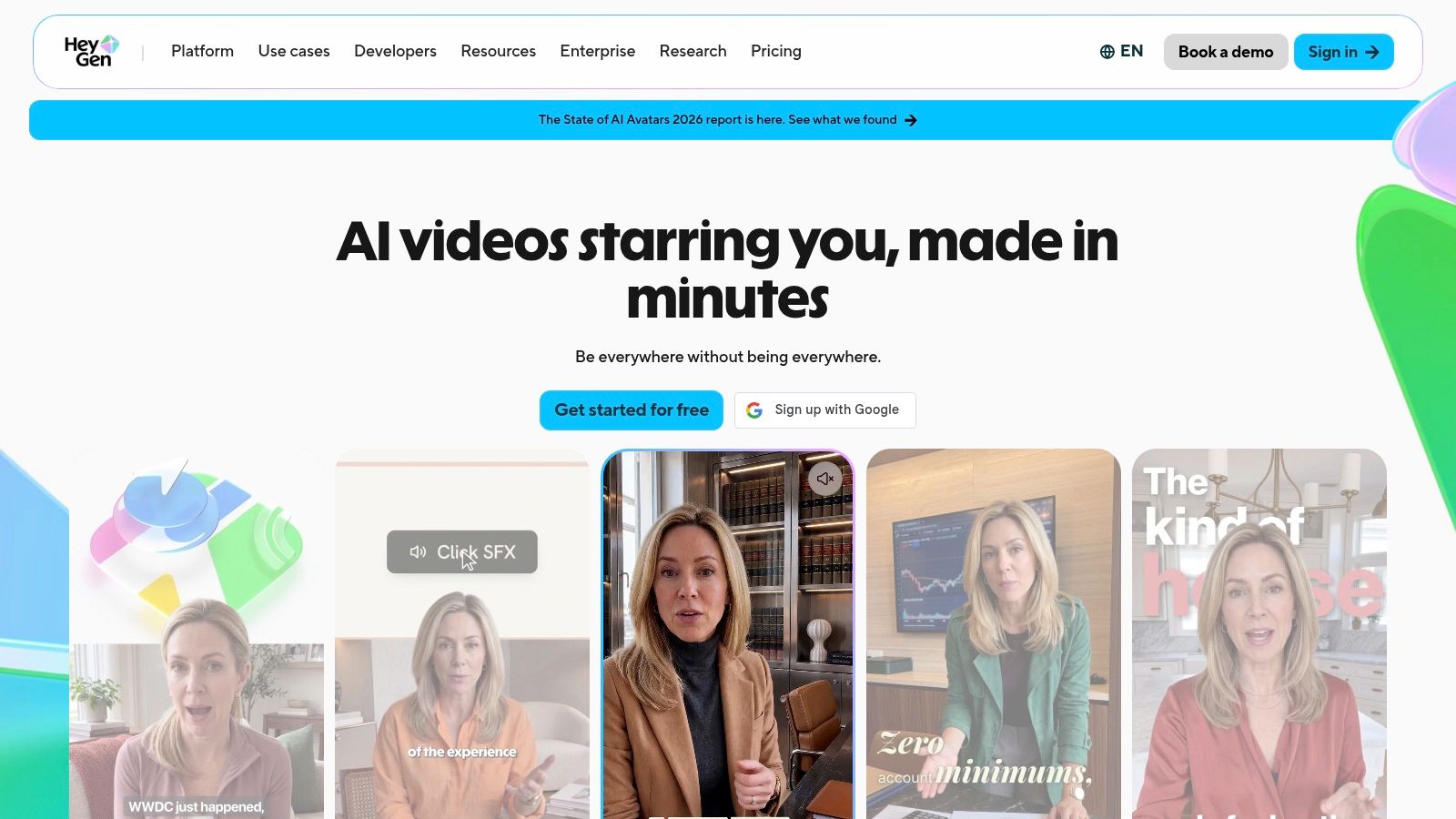
HeyGen is a flexible option for teams that want fast AI presenter videos but also need to import familiar office materials. PowerPoint and PDF imports, screen recording, templates, translation, and a broad avatar and voice catalog allow a non-designer to move from an existing presentation to a shareable lesson without rebuilding the content from scratch.
The platform lists 700+ stock video avatars and 1,000+ voices, with voice cloning available. Paid plans can support exports up to 4K, and teams can save templates for recurring formats. Business tiers add controls such as SSO, SCIM, and audit logs, which matter when training content includes sensitive internal information or must follow a formal approval process.
A useful choice for mixed workflows
HeyGen works well when a team alternates between avatar-led explanations, imported slides, and short screen demonstrations. A sales enablement manager could import a product deck, add a presenter, then create translated versions for regional teams. A customer education group could use the same template for feature releases while switching between a synthetic presenter and captured product footage.
The main operational issue is credit accounting. Video generation, translation, and other premium functions draw from the same general usage model, so a large program needs a forecast based on the number of source lessons, language versions, revisions, and final exports. A simple pilot will reveal whether the team's actual workflow consumes credits faster than the initial plan suggests.
HeyGen is easier to recommend than a traditional editor for teams with limited production experience, but it isn't automatically the best fit for long-form or highly controlled editing. Its strength is breadth and speed, not deep timeline manipulation. If every frame requires deliberate compositing, color treatment, or complex sound design, a professional NLE will provide more control.
4. Colossyan
Colossyan stands out when the training experience needs more than a linear presenter video. It combines AI presenters with interactive questions, branching scenarios, multilingual players, and SCORM-oriented delivery, making it a natural candidate for role-play, compliance decisions, and scenario-based learning.
Multiple avatars can appear in one scene, which helps a trainer create a conversation rather than a single voice speaking at the learner. That is useful for customer-service practice, manager coaching, safety decisions, and sales conversations where the learner must respond to a situation. The platform also supports automatic translation, AI image generation, team collaboration, and multi-editor workflows.
Choose interaction deliberately
Branching is valuable only when the decision changes the learning outcome. A compliance lesson can ask a learner to choose the correct escalation path. An onboarding scenario can show different consequences for a customer conversation. If the video merely presents information, adding interaction may add review and maintenance work without improving the lesson.
Streaming SCORM exports and multilingual players can support distribution across an LMS, but the more advanced interactivity and export capabilities are tied to higher tiers. Model and minute rules also require planning. Teams should test one complete lesson, including its questions, branches, translations, and LMS behavior, before estimating the cost of a full library.
Colossyan's trade-off is a good one for scenario training, but it can be unnecessary for a short policy explanation. Use it when learner choices are part of the instructional design, not merely because an interactive feature is available. For straightforward source-to-video production, a simpler platform may deliver the same learning value with less configuration.
5. Vyond
Vyond is the better fit for organizations that want branded animation rather than photorealistic presenters. Its visual styles, character library, reusable assets, templates, captions, and screen-recording capabilities give L&D teams a practical way to create explainers, process training, and scenario content with a recognizable visual language.
Vyond Go can turn text, documents, or URLs into a starting video, while Text-to-Avatar and other generative features speed up initial production. The platform supports MP4, WebM, animated GIF, subtitles, and SCORM exports. Integrations with tools such as Google Docs, Slack, and Zapier, together with team administration, can help a larger content operation manage requests and approvals.
Animation creates a different kind of consistency
Animation is useful when a training topic involves abstract systems, workplace behavior, or situations that are difficult to film. A procurement process, safety interaction, or customer journey can be represented without finding actors or recording a real office. Brand teams can also maintain consistent characters, colors, and layouts across a library.
The trade-off is that Vyond isn't trying to look like live action. It may be the wrong choice for executive communications that require a real speaker, product demonstrations that depend on screen fidelity, or lessons where learners need to observe physical technique. AI features are credit-metered, so teams should monitor usage separately from ordinary editing work.
Vyond is also a good companion to a training workflow that starts with a script and needs visual development afterward. Teams evaluating that transition can review guidance on adding animations to videos. Choose Vyond when visual metaphor, reusable animation, and brand control matter more than presenter realism.
6. TechSmith Camtasia
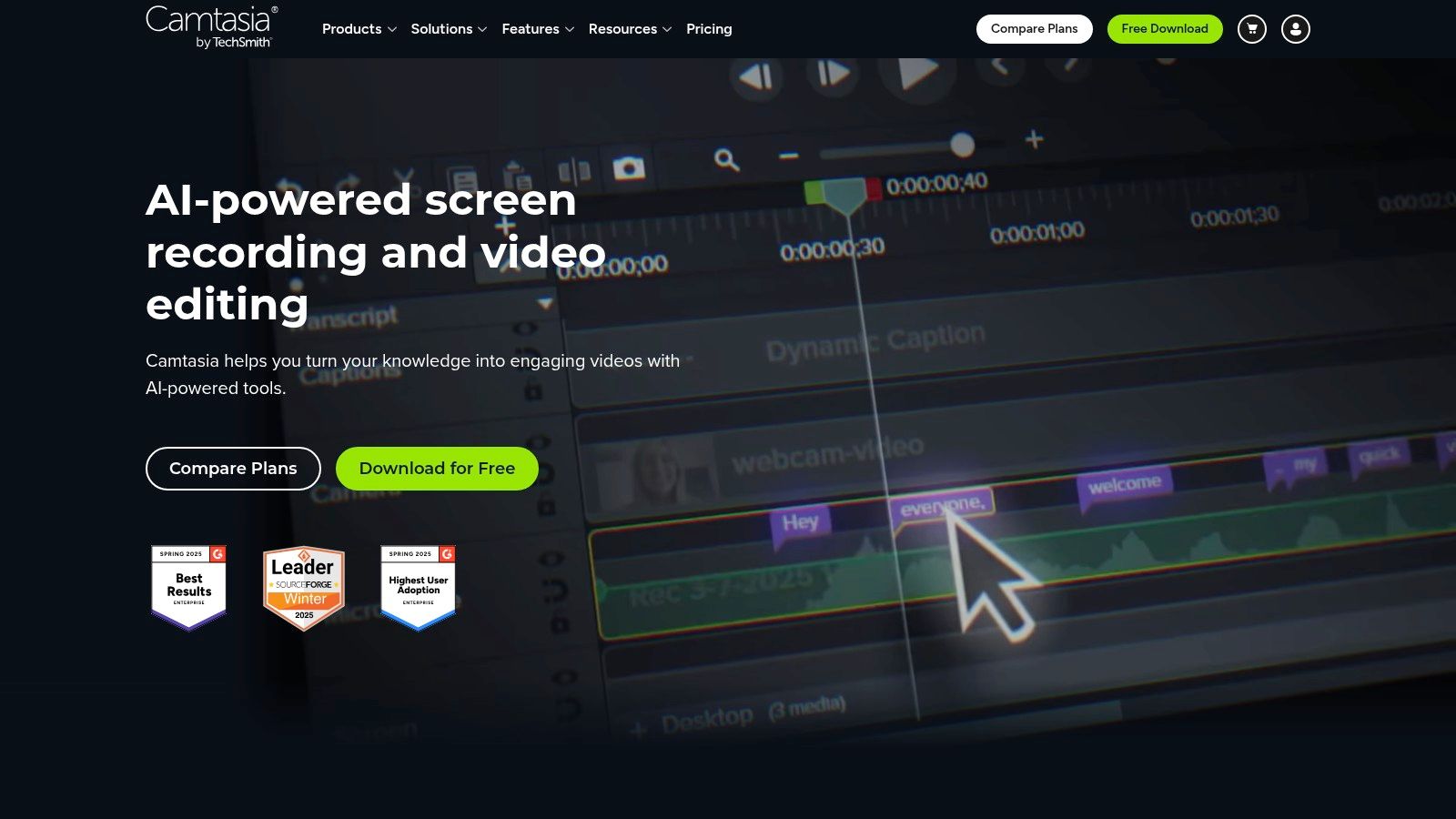
TechSmith Camtasia remains one of the most practical choices for software walkthroughs, narrated demonstrations, and tutorial recording. Trainers can capture the screen, camera, system audio, and microphone, then use cursor effects, callouts, captions, templates, and stock assets to guide the viewer through a task.
Its desktop workflow works offline and provides a capable editor for teams that want control over cuts, emphasis, zooms, and narration. Audiate integration and text-based editing can simplify audio cleanup, while AI-assisted features such as background removal reduce some routine work. Windows and macOS support, together with enterprise deployment options, makes Camtasia easier to standardize in organizations with managed devices.
Why it beats an avatar for product training
A synthetic presenter can explain where to click, but a real application capture shows the interface learners must use. That distinction matters for software onboarding, internal systems training, and technical customer education. Camtasia lets the trainer pause on a specific field, highlight a cursor path, remove mistakes, and synchronize narration with visible actions.
The cost is production effort. Someone still has to record the workflow, edit the timeline, check every interface state, and update the lesson when the software changes. Collaboration is more file-based unless the team adds other TechSmith services, so it can be less convenient than cloud-first tools for distributed review.
> A screen recording is only useful when the interface matches the learner's reality. Re-record after major product changes instead of covering obsolete screens with extra narration.
Camtasia is the sensible choice for process fidelity and editing control. It isn't the fastest route from a policy document to a polished lesson, but it is far more appropriate than an avatar generator when learners need to see and repeat a digital task. Trainers can use this guide to record a screen with audio when planning the capture stage.
7. Descript
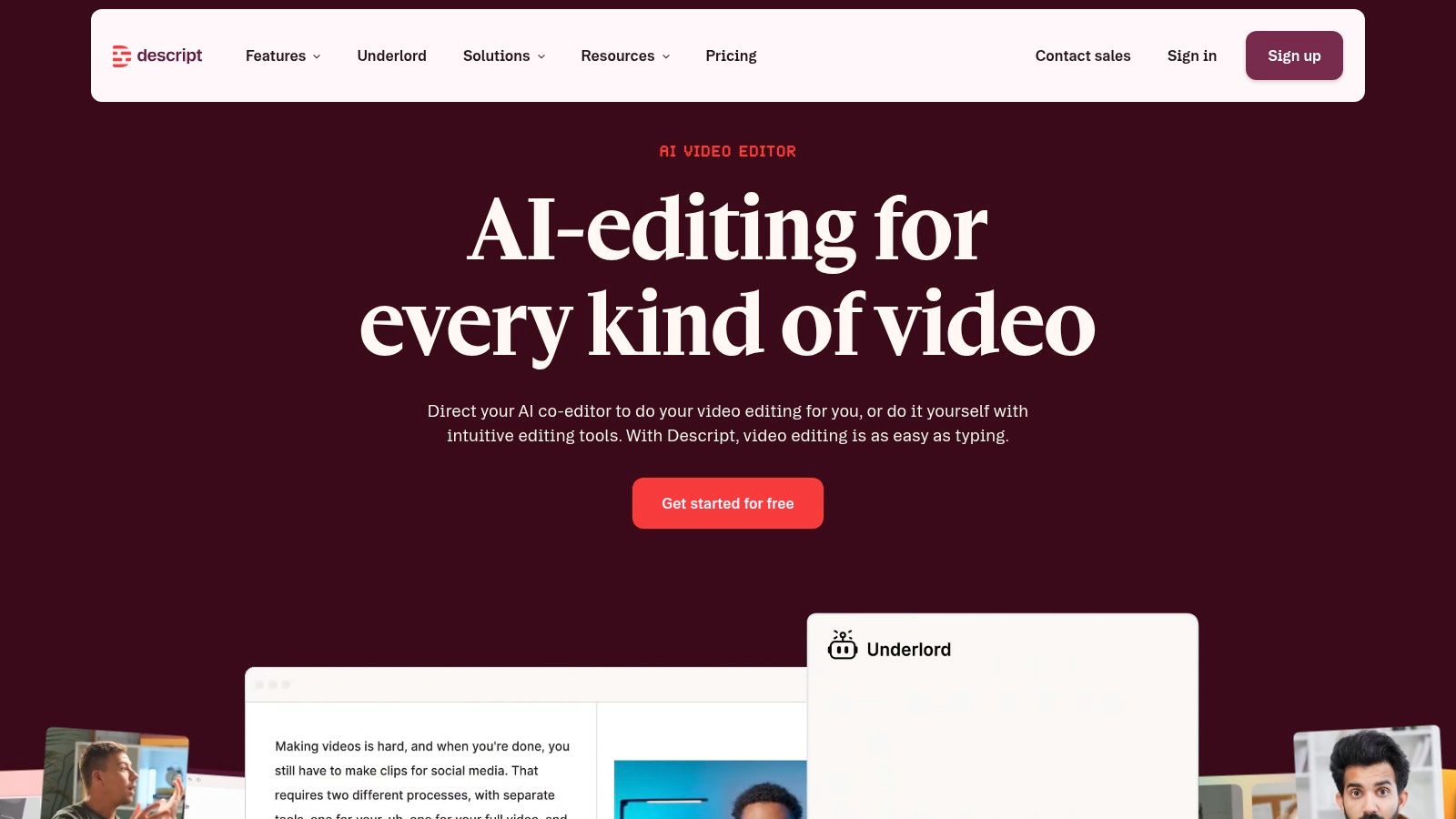
Descript changes the editing question from “Which clip should I cut?” to “Which words should stay?” Its transcript-based workflow is especially effective for dialogue-heavy training, instructional voiceovers, interviews, webinars, and recorded meetings that need to become shorter lessons.
A trainer can edit the transcript and let the corresponding video changes follow. Studio Sound, filler-word removal, overdub voices, text-to-speech, and Create Clips support rapid cleanup and repurposing. Comments, versioning, and sharing make it practical for subject-matter experts who need to review language without learning a traditional NLE.
The best fit is already-recorded knowledge
Descript is strong when the raw material has a human voice worth preserving. A subject-matter expert can explain a process in a meeting, and an editor can remove repetition, tighten the structure, add captions, and produce shorter extracts. That is a different production model from generating a lesson from a prompt, and it often works better when nuance or personal credibility matters.
The platform isn't a replacement for advanced compositing, complex color work, or visual-effects production. It also uses media and AI usage limits that teams need to monitor when processing a large archive. For a regulated training program, the team should review overdub and voice-cloning permissions carefully and establish approval rules before using synthetic speech.
Descript is best for repurposing real conversations into teachable content. It complements Camtasia or Premiere Pro rather than competing with them in every situation. Choose it when the bottleneck is removing verbal clutter and assembling a clear lesson, not creating elaborate visuals from scratch.
8. Adobe Premiere Pro
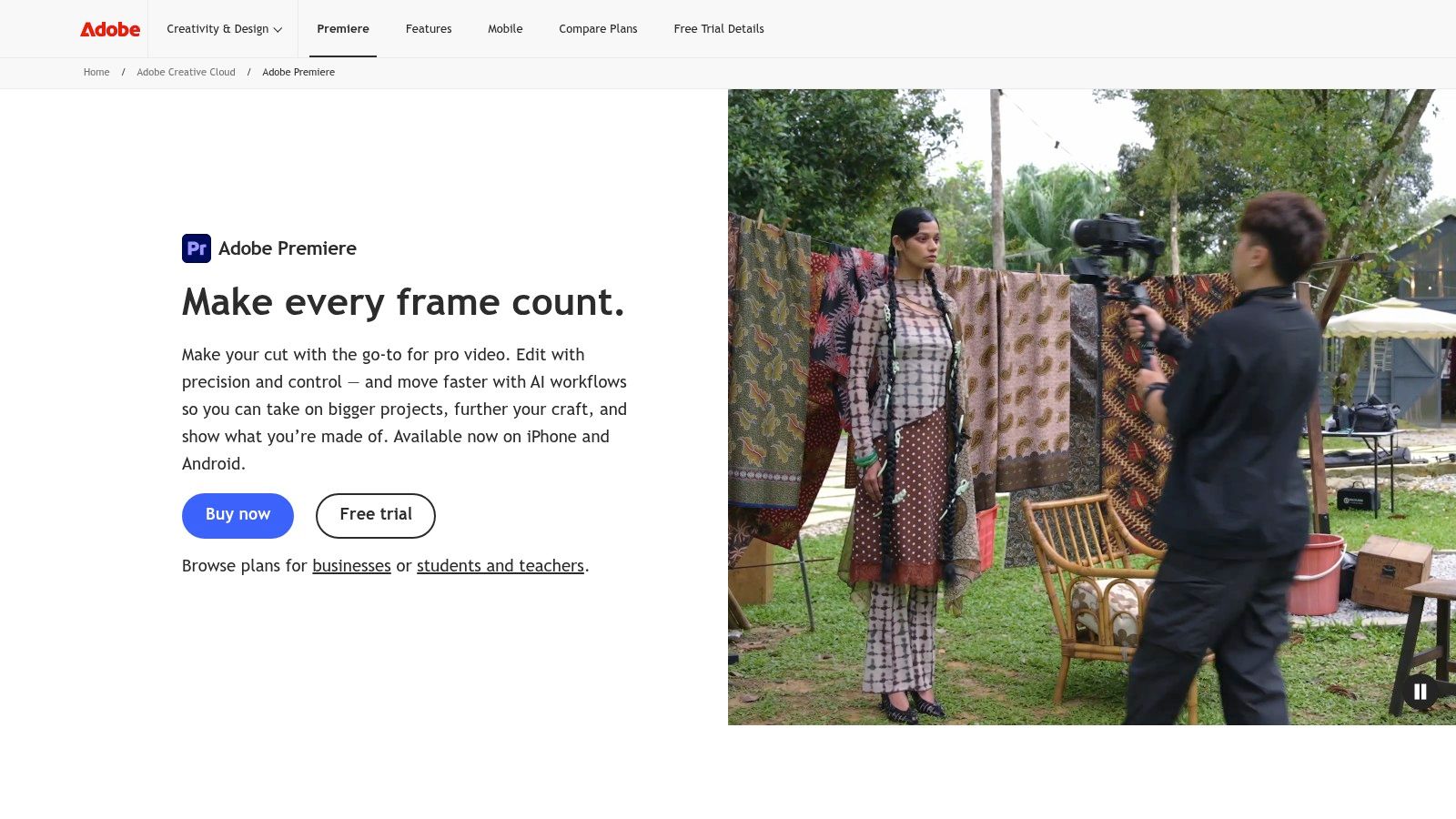
Adobe Premiere Pro is the choice for teams that need maximum creative and technical control. It handles professional timeline editing, captions, subtitles, effects, broad media formats, and complex projects across training, communications, and marketing. Integration with After Effects, Audition, and Frame.io supports a more complete production and review pipeline.
Premiere Pro makes sense for high-stakes executive communications, multi-camera lessons, long-form courses, product launches, and content that must match an established visual system precisely. Editors can manage detailed cuts, sound layers, graphics, color, subtitles, and delivery settings in one environment. Frame.io review can reduce the confusion that comes from exchanging multiple exported versions by email.
Control has a labor cost
The same depth that makes Premiere Pro powerful also makes it slower for routine microlearning. A trainer who only needs a captioned explanation from a source document may spend more time learning the workflow than producing the lesson. Teams also need capable hardware, storage discipline, project naming conventions, and a review process that prevents small changes from creating version chaos.
Adobe includes generative credits for selected AI features and Adobe Express Premium for quick cut-downs in applicable plans, but these additions don't turn Premiere Pro into an automated training factory. They accelerate particular tasks while leaving the editor responsible for structure, quality, accessibility, and final judgment.
> Use Premiere Pro when the cost of a mistake is higher than the cost of a slower edit. For routine policy refreshers, an automated training platform usually makes more operational sense.
Premiere Pro is the right answer for bespoke production and difficult footage, not for every lesson in a large learning library. A mature team may use it for flagship assets while using a faster platform for recurring microlearning.
9. VEED
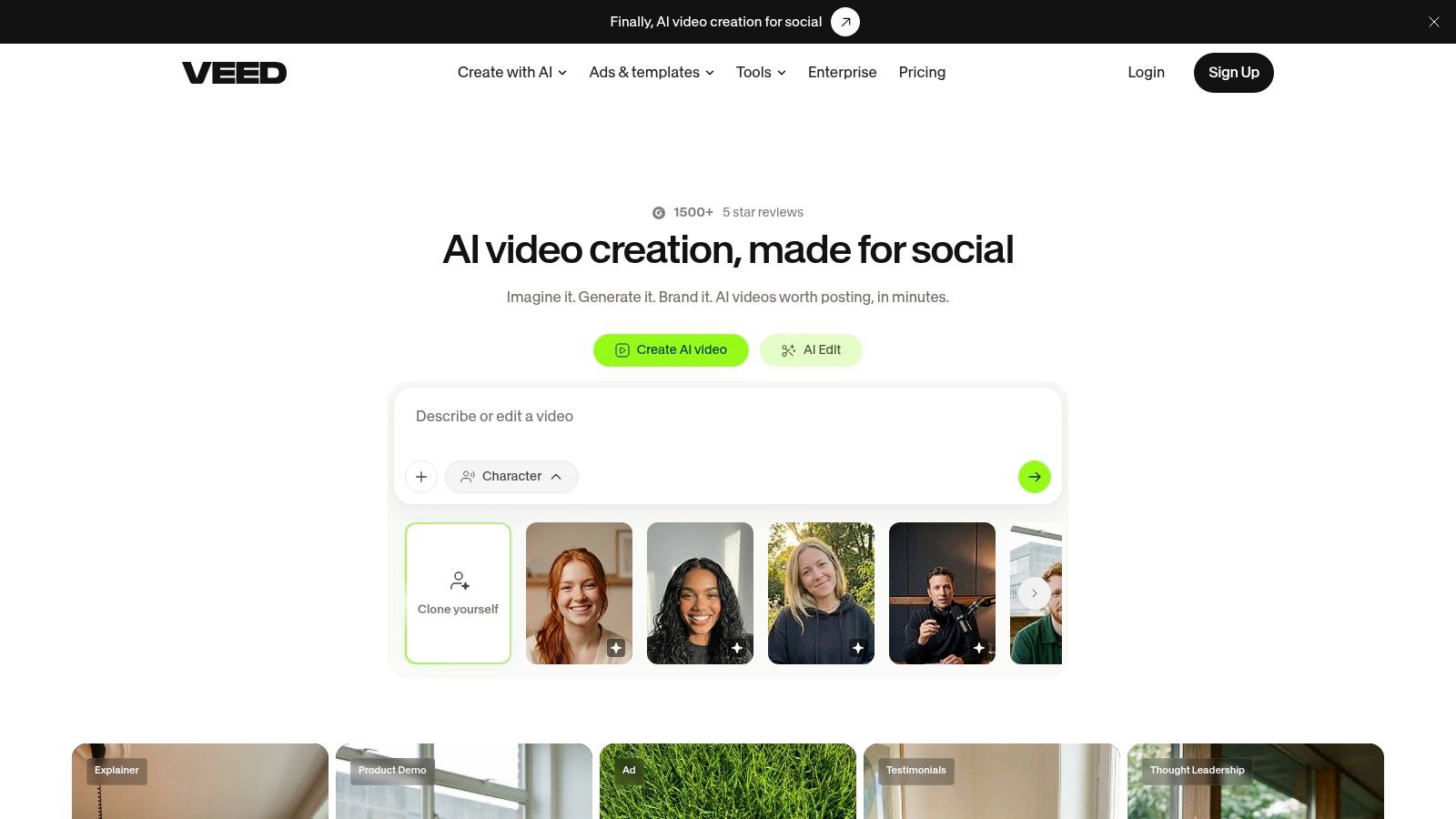
VEED offers a browser-based workflow for teams that need to create, caption, translate, and publish content quickly. Its feature set includes AI video generation, avatars, dubbing, text-to-speech, audio cleanup, screen and webcam recording, teleprompting, templates, and multiple aspect ratios.
!VEED
The browser model reduces installation friction and makes it easier for a distributed team to work from a shared environment. Auto-subtitles, translations, and brand controls are particularly useful for customer education and social cut-downs. Enterprise and API options can support higher-volume workflows, including subtitle and lip-sync automation.
A practical choice for mixed publishing
VEED works well when one source lesson needs several outputs. A trainer might create a horizontal LMS version, a vertical internal announcement, and a short customer-facing clip without moving between multiple applications. The screen recorder also helps when the content needs a real interface rather than an avatar or animation.
Browser performance can vary on very large projects, so teams should test their heaviest realistic file before standardizing on the platform. AI and export limits also vary by tier and should be confirmed against the planned workflow. A team producing occasional short explainers may find VEED simple and efficient, while a studio producing complex long-form content may need a desktop editor.
The platform's strength is accessibility and workflow speed, especially for captions, translation, and recurring formats. It is less suitable when editors need deep offline control or a highly complex project structure. For teams that want API-enabled production without building a full custom system, VEED deserves a close evaluation.
10. Loom by Atlassian
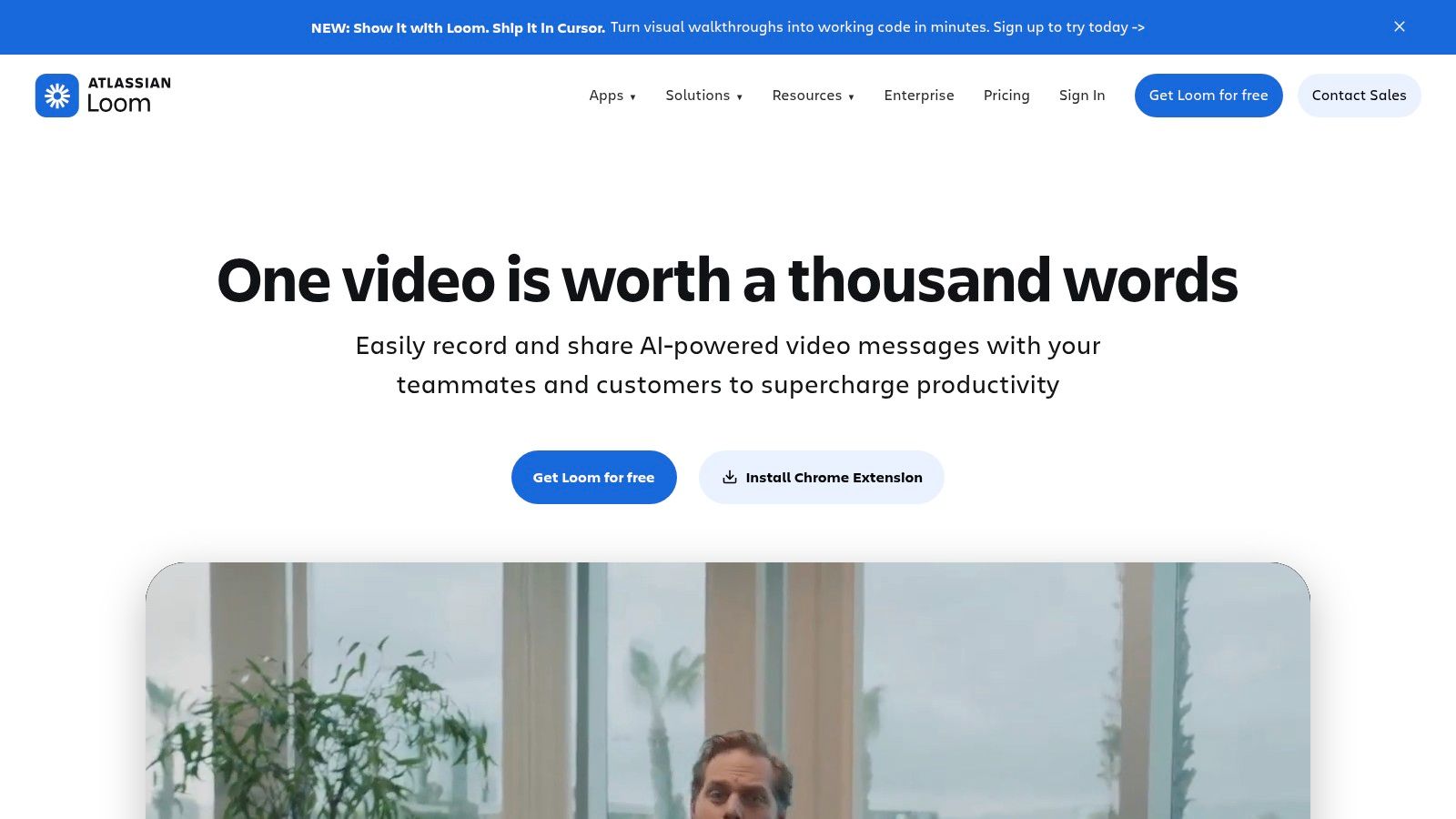
Loom by Atlassian is the fastest option for turning a screen or camera recording into a shareable knowledge handoff. It fits product updates, internal process changes, manager messages, quick walkthroughs, and bite-size training that would otherwise become a meeting or a long written explanation.
Loom provides transcripts, comments, reactions, sharing controls, library organization, and integrations with Jira and Confluence. Meeting recordings can be converted into reference material, and transcripts support faster searching and review. Record limits vary by plan, while the Business plan offers unlimited videos according to the supplied product details, so administrators should verify the current plan terms before rolling it out broadly.
Speed is the product decision
Loom works when the lesson is timely and the value comes from showing the process directly. A team lead can record a new approval flow, a support manager can demonstrate a ticketing change, and a product specialist can explain a feature while sharing the screen. The result won't look like a produced course, but it can reach colleagues while the information is still useful.
That speed comes with obvious limits. Loom isn't a full editor, and its production polish, advanced branding, and visual control are modest compared with Premiere Pro, Camtasia, or dedicated AI video platforms. It should support a knowledge-sharing system rather than carry every formal compliance lesson.
Use Loom when immediacy matters more than presentation quality. It's especially effective for internal knowledge bases and asynchronous communication. For governed onboarding or certification content, export the useful material into a more structured workflow or replace temporary recordings as procedures stabilize.
Top 10 Video Creation Tools Comparison
| Product | Core features | UX / Quality | Price & Value | Best for / Audience | Unique selling point | |---|---:|---|---:|---|---| | VideoLearningAI 🏆 | Prompt→script→host→scenes→MP4; templates; SCORM/xAPI ✨ | ★★★★☆, lifelike avatars, fast renders | 💰 100 free credits; Starter ~$29/mo; Pro ~$49; Ent ~$95/mo | 👥 L&D, HR/onboarding, compliance, course creators | ✨ Purpose-built for learning; multi-aspect outputs; template standardization | | Synthesia | Multilingual avatars, dubbing, SCORM & enterprise controls | ★★★★☆, scalable, localization-strong | 💰 Credits-based; enterprise pricing | 👥 L&D localization teams, enterprise comms | ✨ 160+ languages, custom avatars & branded pages | | HeyGen | 700+ avatars, PPT/PDF import, 4K export, voice cloning | ★★★★☆, simple UI, fast output | 💰 Credits model; clear plan tiers (indiv/team) | 👥 Creators, teams needing quick presenter videos | ✨ Large avatar/voice catalog + voice cloning | | Colossyan | Interactive branching, multilingual players, streaming SCORM | ★★★☆☆, training-centric interactivity | 💰 Minute/model allocations; higher tiers for interactivity | 👥 Scenario training designers, course builders | ✨ Branching quizzes & multi-avatar scenes for role-play | | Vyond | Animation-first studio, asset library, SCORM export, Vyond Go | ★★★★☆, brandable animation, templates | 💰 Subscription tiers (team/enterprise) | 👥 L&D, explainers, branded training content | ✨ Strong brand control + generative animation tools | | TechSmith Camtasia | Desktop screen/camera capture; multitrack editor; templates | ★★★★☆, robust offline editor, reliable | 💰 Perpetual license / site licenses for orgs | 👥 Software trainers, walkthrough creators | ✨ Powerful screen recording + text-based audio cleanup | | Descript | Text-first editing, transcription, Overdub, AI cleanup | ★★★★☆, fastest for dialogue-led edits | 💰 Subscription with media-minute limits | 👥 Podcasters, instructional voiceovers, repurposers | ✨ Edit video by editing text; Overdub voice cloning | | Adobe Premiere Pro | Professional NLE, effects, Frame.io review, wide codec support | ★★★★★, max control & polish | 💰 Higher-cost subscription (creative cloud) | 👥 Video production teams, high-stakes training | ✨ Industry-standard tools + deep ecosystem integration | | VEED | Browser editor: script→video, avatars, dubbing, auto-subtitles | ★★★★☆, very fast, browser-based | 💰 Tiered plans; API & enterprise options | 👥 Marketers, micro-lesson creators, API teams | ✨ Strong subtitling/translation + automation APIs | | Loom (Atlassian) | Quick screen & camera capture, transcripts, library & embeds | ★★★★☆, fastest async capture | 💰 Free/basic; Business/Enterprise plans with unlimited | 👥 Knowledge workers, fast how-tos, async comms | ✨ Instant sharing + Jira/Confluence integrations |
Match the Tool to the Training Job
There isn't one universal winner among the best video creation software options. The right platform depends on the distance between the source material and the learning asset, the amount of human performance you want in the video, and the level of control required before publication.
Choose VideoLearningAI when the priority is rapid, standardized microlearning from existing documents, outlines, or course content. It is particularly suited to onboarding, compliance, sales enablement, and customer education teams that need structured lessons, consistent presentation, captions, multiple formats, and a route toward LMS publishing without building a studio workflow.
Choose Synthesia or HeyGen when the organization wants avatar-led communication at scale. Synthesia is a strong fit for governed multilingual training and enterprise administration. HeyGen is attractive when teams want a broad selection of avatars and voices alongside PowerPoint, PDF, and screen-recording workflows. Both require careful credit planning and a clear review process for translated or generated content.
Choose Colossyan when branching, questions, and role-play are central to the instructional design. It's a better match for decision practice than for a basic information video. Choose Vyond when animation, reusable characters, and brand consistency matter more than photorealistic presenters. It can make abstract processes and workplace scenarios easier to visualize.
For product walkthroughs and software education, Camtasia remains a practical choice because it captures the interface learners must use and gives trainers precise control over cursor movement, emphasis, and narration. Descript is better when the raw material is a webinar, meeting, interview, or voice-led explanation that needs to become concise. Premiere Pro belongs in high-control workflows where multi-camera editing, complex timelines, sound, graphics, and brand-critical finishing justify the additional skill and time.
Choose VEED for browser-based creation, subtitling, translation, aspect-ratio changes, and automation-friendly workflows. Choose Loom for immediate screen-recorded knowledge sharing, especially when the objective is to answer a question or document a changing process rather than produce a formal course.
The category has moved beyond experimentation. G2 reports that 73% of users see ROI within six months, 95% of reviewers rate their tool four stars or higher, and the video content creation category has a Net Promoter Score of 78, with recommendation sentiment at 93%, as detailed in G2's video marketing statistics. The practical implication is that buyers should focus less on novelty and more on time-to-value, repeatable publishing, and evidence that the tool fits the organization's actual learning operation.
Before signing a long-term contract, run a controlled pilot:
- Select one real lesson: Use a current onboarding, compliance, product, or customer-support topic rather than a generic demo.
- Prepare the source material: Remove duplication, confirm the approved terminology, and identify what requires a human subject-matter review.
- Test accessibility: Check captions, transcript accuracy, pronunciation, readable on-screen text, contrast, and the availability of an equivalent text resource.
- Validate LMS delivery: Confirm the export, tracking behavior, player experience, and version replacement process in the target LMS.
- Forecast usage: Estimate credits, minutes, translations, revisions, storage, and final exports from the pilot rather than relying on a headline plan allowance.
- Secure stakeholder approval: Include L&D, IT, information security, legal or compliance, brand, and the subject-matter owner where relevant.
- Document publishing: Define naming, ownership, review dates, localization, archival, and re-recording rules before the library expands.
The best choice is the one your team can operate repeatedly. A fast generator that produces inconsistent lessons creates rework. A powerful editor that only one person understands creates a bottleneck. Match production speed to the training job, then build the review and publishing system that turns individual videos into a dependable learning library.
---
VideoLearningAI turns existing training material into structured, narrated, captioned videos with AI hosts, reusable templates, and formats suited to modern learning workflows. If your priority is standardized microlearning without heavy editing overhead, visit VideoLearningAI and use the free credits to test a real onboarding, compliance, or customer-education lesson.