Only 27% of supervisors applied a training approach at least once six months after completion, even though the intervention was delivered as planned and well received. A supervisor training video creates workplace change only when viewing is followed by practice, feedback, and a measurable check of behavior.
That finding changes how L&D teams should judge video training. Completion tells you that a supervisor reached the end of a module. It doesn't tell you whether they recognized a risk during a shift, documented a concern correctly, held a difficult conversation, or escalated an issue through the right channel.
The practical standard is simple: design every lesson around what a supervisor must do differently on the job, then build a path from explanation to decision, action, reinforcement, and evidence. The video is one part of that path, not the entire intervention.
Table of Contents
- Completion is not capability - Design for the decision point - Start with the job behavior - Write in scenario, decision, feedback cycles - Plan the publishing package early - Compare the practical fit - Match the tool to the content - Don't confuse speed with quality - Turn policy into response actions - Measure awareness without misreading the result - Build the follow-up into the workflow - Measure what the supervisor does - Use a repeatable quality checklistWhy Most Supervisor Training Videos Fail to Transfer
Passive viewing rarely produces reliable supervisory behavior. In a separate participatory intervention, only 11 of 41 respondents, or 27%, reported applying the approach at least once after six months, despite the training and meetings being delivered as planned and well received. The finding is reported in the peer-reviewed study of supervisor impairment training, and it exposes the weakness of treating satisfaction and completion as proof of capability.
A supervisor may understand a policy while watching a video and still hesitate when an employee arrives impaired, reports bullying, or asks for support that falls outside the supervisor's authority. Knowledge answers the question “What is this?” Transfer answers a harder question: “What will I do at 10:15 on a busy shift when the situation is ambiguous?”
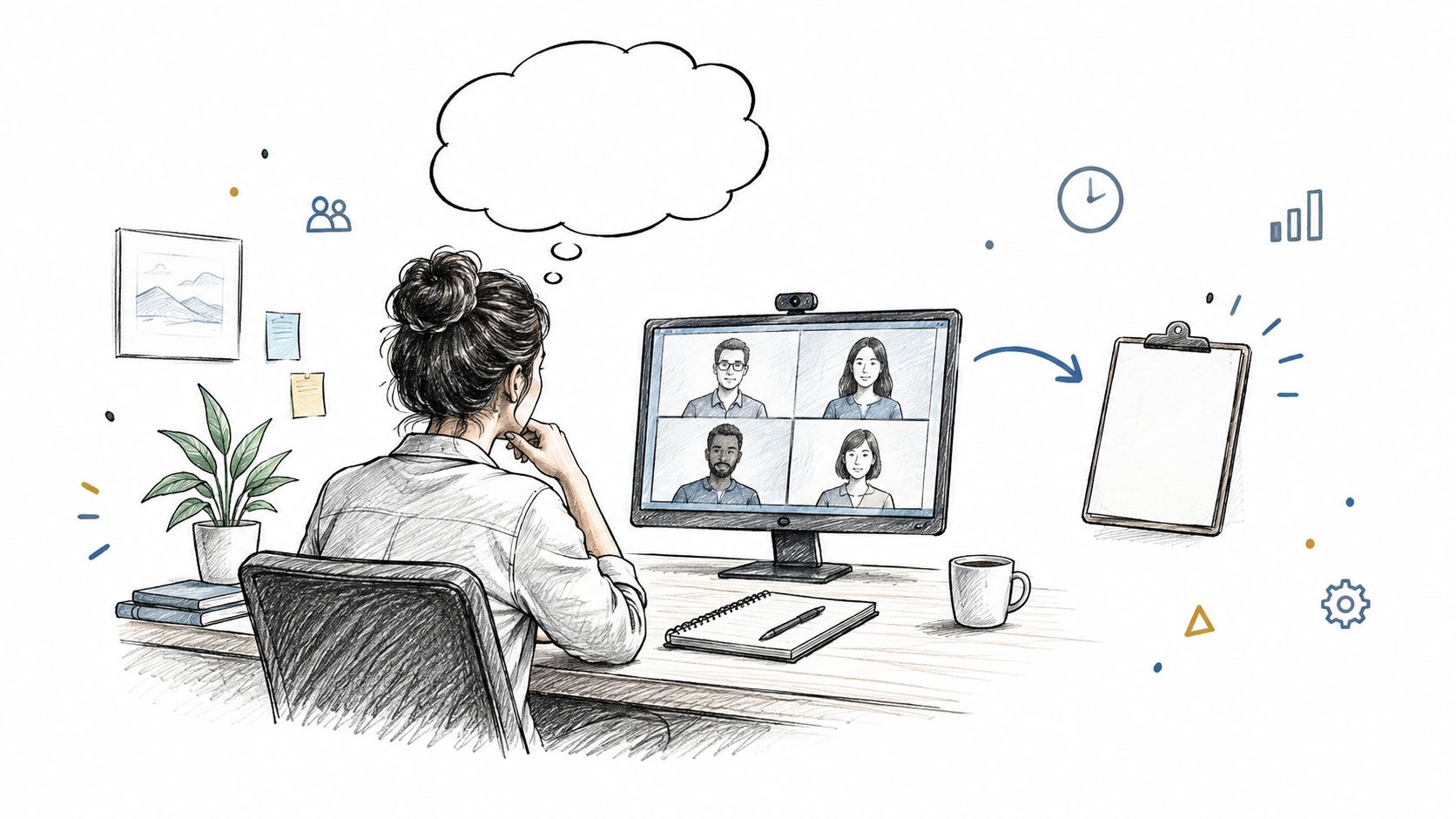
!A woman participating in a supervisor training video call on her computer in a home office.
Completion is not capability
The same 2023 study found that 77% of participating companies offered some form of impairment training, but only 40% of those programs specifically targeted supervisors. That gap matters because supervisors occupy the point where policy becomes action. General workforce awareness doesn't automatically prepare a frontline leader to recognize a signal, document facts, protect confidentiality, or escalate without conducting an informal investigation.
A video can close a knowledge gap, but it can't create judgment through narration alone. A lecture that lists warning signs and policy rules may be accurate, yet it leaves the learner without a rehearsal of the moment when competing priorities collide.
> Practical rule: If the learner never has to choose an action, the module is probably testing attention rather than supervisory judgment.
A stronger supervisor training video uses a scenario, pauses before the answer, and asks the viewer to commit to a response. The feedback should explain not only which option is appropriate, but why the alternatives create risk. That structure makes the learner process the decision instead of merely recognizing familiar words on a screen.
Design for the decision point
For safety-sensitive subjects, scenario design matters more than visual polish. Show the supervisor what a real case looks like, remove the narrator's certainty, and ask the learner to distinguish observation from assumption. Then connect the decision to a job aid that can be used during the next shift.
Teams comparing delivery formats should also examine the trade-offs between immersion and efficiency. A practical resource on how to compare VR and lecture-based training can help L&D leaders decide whether a topic requires a simulated environment or can be handled through video, branching questions, and coached practice.
The research supports video as a useful delivery method, but not as a complete transfer strategy. The right question isn't whether a video can explain a supervisory behavior. It can. The right question is whether the surrounding workflow gives supervisors a reason and opportunity to use that behavior before the lesson fades.
Planning and Scripting Your Supervisor Training Video
Strong supervisor training videos begin with a performance decision, not a production decision. Before choosing an avatar, presenter, or animation style, write one sentence that describes what the supervisor must do differently after the lesson.
For example: “The supervisor documents observable facts and escalates a possible impairment concern without diagnosing the employee.” That objective gives the writer something testable. “Understand impairment policy” doesn't.
Start with the job behavior
Use a short planning sequence:
1. Define the action. State the behavior in observable terms, such as asking a neutral question, recording facts, or using a designated escalation route. 2. Identify the pressure. Add the condition that makes the behavior difficult, such as limited time, an upset employee, incomplete information, or a production deadline. 3. Build one case. Keep each lesson anchored to a recognizable workplace situation rather than combining several unrelated examples. 4. Create the decision pause. Ask the learner what they would do before showing the recommended response. 5. Attach reinforcement. End with a job aid, practice prompt, supervisor discussion, or follow-up assignment.
A study of an experimental supervisor-training program found that a 30-minute stand-alone video produced significantly better outcomes than no training for employee-assistance-program knowledge, identifying troubled supervisees, and making referrals, with statistical significance at p<.01 for each outcome. The study of the video intervention supports a transfer-oriented sequence, but the lesson architecture still needs to make the learner identify the problem, choose an action, explain the rationale, and receive corrective feedback.
Write in scenario, decision, feedback cycles
A useful script template looks like this:
Context: “You notice that a normally reliable team member is unsteady, misses instructions, and appears confused during a safety briefing.”
Decision pause: “Which response best fits your role?”
Options: Ask neutral, work-related questions and follow the defined process. Ignore the behavior until the shift ends. Ask coworkers whether they know what is happening. Tell the employee you believe they are impaired.
Feedback: Explain why the first option focuses on observable behavior and established procedure, while the other choices create risks around assumptions, confidentiality, or delayed escalation.
Job aid: Provide a one-minute checklist with the permitted action, prohibited action, required documentation, and escalation trigger.
Keep narration focused. A short segment can introduce the situation, while an on-screen prompt handles the decision and a downloadable aid supports later use. For production fundamentals such as recording quality, pacing, and sound treatment, Isolate Audio's production playbook offers useful guidance for keeping the finished lesson clear and usable.
Plan the publishing package early
Don't leave captions, transcripts, quiz logic, and LMS requirements until the final edit. Decide whether the lesson needs an MP4, an interactive package, a transcript, downloadable resources, or a completion record, then write and produce accordingly.
A training video script template can help standardize the handoff between subject-matter experts, instructional designers, and video producers. The template should capture the objective, audience, scenario, narration, on-screen text, learner prompt, correct response, feedback, and follow-up task.
Choosing AI Tools for Supervisor Video Production
The right production tool depends on the type of lesson you're building. A talking-head explanation, a branching compliance scenario, and a screen-recorded software demonstration have different requirements. No platform removes the need for instructional design, policy review, or behavioral measurement.
For corporate L&D teams, compare tools against the workflow that follows production. Can the team revise a policy quickly? Can it produce captions and transcripts? Can learners receive a question at the decision point? Can the finished content move into the organization's LMS and support a follow-up activity?
Compare the practical fit
| Platform | Best For | LMS Export | Microlearning | Templates | Production Speed | |---|---|---|---|---|---| | VideoLearningAI | Turning training materials into structured lessons | Supports MP4 export and SCORM/xAPI-compatible LMS workflows | Strong fit for bite-sized lessons | Onboarding and compliance-oriented templates | Fast for draft-to-video workflows | | Synthesia | Presenter-led explainers with AI avatars | Depends on account and publishing workflow | Suitable when lessons are scripted in short segments | Presenter and corporate video formats | Fast for presenter videos | | HeyGen | Avatar-led communications and multilingual video creation | Depends on account and LMS process | Suitable for concise updates and explainers | Avatar and presentation templates | Fast for scripted content | | VEED | Browser-based editing and social-style video production | Typically requires an external LMS packaging process | Flexible, depending on the editor's structure | Broad editing templates | Fast for teams comfortable with editing | | Camtasia | Screen recording, demonstrations, and edited instructional content | Requires an external LMS packaging process | Strong when lessons combine screen capture and narration | Recording and editing assets | Efficient for hands-on editors |
These categories describe practical positioning, not a guarantee of a particular account feature. Verify export formats, accessibility controls, data handling, review permissions, and LMS compatibility during procurement.
Match the tool to the content
Use an avatar platform when a consistent presenter helps deliver policy explanations or recurring onboarding messages. Choose a screen-recording editor when supervisors need to learn a system, form, or reporting workflow. Use a structured AI training platform when the team starts with policies, notes, or course materials and needs repeatable drafts, narration, visuals, captions, and short lessons.
VideoLearningAI fits the last workflow by turning training materials, notes, or course ideas into finished training videos and supporting MP4 export with SCORM/xAPI-compatible LMS workflows. That can be useful for a supervisor training video program where the content changes across onboarding, compliance, management, and customer-facing operations.
Teams that need another route to create videos with AI can evaluate ClipNova alongside these options, especially when speed and lightweight production are more important than complex instructional interactions.
Don't confuse speed with quality
AI can accelerate scripting, scene assembly, narration, and revision. It can't decide whether a supervisor is legally permitted to investigate a complaint, whether a scenario reflects local policy, or whether the learner's response demonstrates competent judgment.
Set a review workflow before production begins. A subject-matter expert checks accuracy, an instructional designer checks transfer, an accessibility reviewer checks captions and contrast, and an operational leader checks whether the scenario resembles the work. The AI video generator tools guide can support tool selection, but the final choice should follow the learning workflow rather than the novelty of the generator.
Building Compliance and Assessment Into Supervisor Videos
Compliance content needs more than a policy summary. Supervisors must know what they can do, what they must document, what they must not do, and when they need to escalate. A polished video that leaves those boundaries vague can create false confidence.
Build each lesson around observable obligations. For conduct, wellbeing, or employee-support topics, the sequence should show the supervisor how to recognize a signal, document facts, protect confidentiality, use the defined channel, and avoid retaliation or informal investigation.
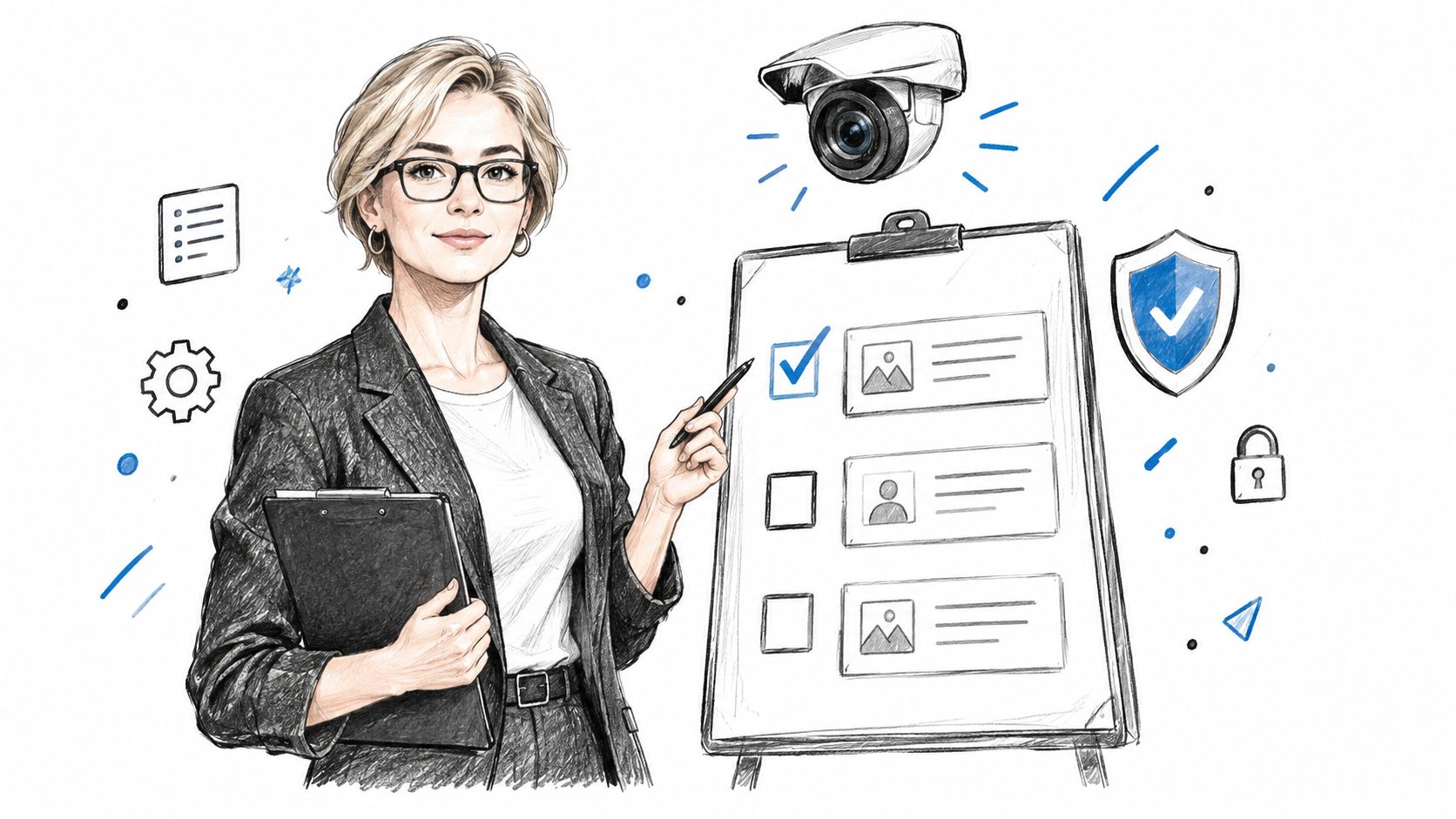
!A professional woman in a suit pointing to a checklist on a whiteboard with security icons.
Turn policy into response actions
A policy statement such as “report concerns promptly” is too abstract for assessment. Convert it into a visible sequence:
- Recognize the signal: Identify what the supervisor directly observed or what the employee reported.
- Separate facts from interpretation: Record behavior, words, time, place, and immediate impact without diagnosing motives or conditions.
- Protect confidentiality: Share information only through the approved route and avoid discussing the issue with uninvolved colleagues.
- Escalate correctly: Use the designated HR, safeguarding, safety, or employee-assistance process.
- Avoid retaliation and informal investigation: Don't promise a particular outcome, interrogate witnesses independently, or punish someone for raising a concern.
Use branching scenarios to test these actions. A learner who selects the correct escalation route but writes an unsupported conclusion has not demonstrated complete competence. Assessment should inspect the individual decisions that matter, not award credit for reaching the final screen alone.
Measure awareness without misreading the result
An Australian workplace intervention involving 89 supervisors found significantly higher post-training scores across understanding of bullying impacts, legal obligations, appropriate responses, and confidence to intervene. Yet reported exposure didn't decline immediately. Personal experience rose from 57.1% before training to 60.7% afterward, while witnessing rose from 80.9% to 85.4%. The published workplace intervention shows why incident counts alone can't tell you whether training worked.
Improved awareness may help supervisors recognize and report conduct that previously went unrecognized. A short-term increase in reports can therefore reflect better detection, not deterioration caused by the program.
Use pre- and post-measurement with item-level questions covering:
- Legal duties: Can the supervisor identify the required obligation?
- Impact recognition: Can they identify the relevant behavior or risk?
- Appropriate response: Can they choose the permitted action?
- Confidence to intervene: Can they explain how they would start?
- Documentation quality: Can they record facts without unsupported conclusions?
Report supervisor results separately from general employees. A combined score can hide the precise capability gap that the video was supposed to address. A checks for understanding resource can help designers build questions that test judgment rather than recall.
Publishing and Measuring Supervisor Training Video Success
Publishing is where a supervisor training video either reaches the job or stops at completion. The video enters the LMS, supervisors watch it between other tasks, and the dashboard records a finished module. Without a follow-up action, nobody knows whether the taught behavior appeared during real work.
Time pressure makes this pattern predictable. More than 90% of organizations report that managers' lack of time is a challenge to participation, while high-performing organizations are more likely to use bite-sized learning with pre- and post-training activities, according to ATD's manager-training research. A short lesson helps supervisors fit learning into the workday, but it needs an activation step that turns viewing into practice.
Build the follow-up into the workflow
Assign a small workplace task immediately after the video. After a feedback lesson, the supervisor could use a conversation planner during the next coaching discussion. After an attendance lesson, they could document one conversation with the approved template. After a conduct lesson, they could identify the escalation route and complete a practice record without entering sensitive employee data.
Set up reinforcement in the LMS instead of treating the final quiz as the endpoint. A practical sequence includes:
- Before viewing: Ask one confidence or scenario question to establish a baseline.
- During viewing: Pause for a decision and require a response before showing feedback.
- After viewing: Provide a job aid and one workplace practice task.
- Manager reinforcement: Prompt the supervisor's manager to discuss the task during a regular one-to-one.
- Delayed check: Review the behavior after a defined interval, such as a 30- or 60-day check, rather than relying on completion alone.
Keep the follow-up small. Give it an owner, a deadline, and an observable output. A supervisor should finish the video knowing exactly what to do next, where to do it, and what evidence will show that the action happened.
Measure what the supervisor does
Completion and satisfaction are useful operational signals, but they do not show transfer. Pair them with measures tied to the behavior taught:
- Documentation completeness: Did the record include observable facts, timing, impact, and the correct route?
- Escalation timeliness: Did the supervisor use the defined channel when required?
- Response quality: Did the conversation follow the approved structure?
- Practice completion: Did the supervisor perform the assigned action?
- Recurrence or resolution patterns: Did results change over an appropriate follow-up period?
Choose measures before publishing the video. If the lesson teaches documentation, inspect records against a defined standard. If it teaches escalation, review whether supervisors used the correct route and acted within the required timeframe. If it teaches coaching, sample conversations through manager observation or a structured follow-up form.
Incident counts need context. In an awareness-based program, improved recognition can produce more reporting before the organization sees broader improvement. Review qualitative evidence and process quality alongside outcome data, and separate training effects from changes in staffing, policy, workload, or reporting access.
The broader need for supervisor development has been visible for decades. A 1999 analysis projected that 70% of U.S. organizations would offer at least some training to first-line supervisors, with an estimated 4.4 million supervisors receiving training nationally and 148.3 million hours devoted to supervisor training. The historical analysis of supervisor development shows why scalable delivery matters. Scale only helps when the program measures transfer instead of counting exposure.
Use a repeatable quality checklist
Before publishing a supervisor training video, confirm that the team has:
- Defined one observable behavior rather than a broad topic.
- Written a realistic scenario based on the supervisor's work.
- Included a decision pause before revealing the answer.
- Explained corrective feedback for each meaningful option.
- Added captions, transcript, and accessible visuals.
- Attached a one-minute job aid that supports use during work.
- Configured pre- and post-questions that test the target behavior.
- Assigned a follow-up practice task with a clear owner.
- Scheduled reinforcement through coaching or manager prompts.
- Selected delayed measures such as documentation quality, escalation timing, or response quality.
- Reviewed local policy and legal boundaries with the appropriate subject-matter experts.
- Checked the LMS package and reporting fields before launch.
VideoLearningAI turns training materials, notes, and course ideas into structured videos with scripts, narration, visuals, and captions. That workflow can help L&D teams produce scenario-led supervisor lessons faster. Visit VideoLearningAI to create bite-sized training content that connects video completion with job aids, LMS delivery, and follow-up practice.