The best video AI is rarely the one with the most avatars. A convincing presenter won't rescue a lesson that misstates your policy, can't report completion, or requires rebuilding whenever an SOP changes.
For L&D teams, the test starts with existing material: decks, process documents, policies, and subject-matter notes. Can the tool turn those inputs into a clear lesson, let an owner correct it, and publish something your LMS can deliver and track?
That means separating video production from course publishing. An MP4 is a media asset, not automatically a trackable course. A SCORM package can communicate with an LMS, but you still need to test its completion rules, assessment behavior, and accessibility. The practical work of choosing how to integrate AI video into your LMS matters more than comparing presenter faces.
> Buy the workflow that gets an approved lesson into your LMS, not the demo that produces the prettiest introduction.
These tools are ranked by their fit for that job, including source conversion, editing, export options, plan restrictions, and production economics. Where credit rates or publishing entitlements aren't established, don't treat them as included.
Table of Contents
- What reaches the LMS - Budget around the published lesson - Strong production, conditional publishing - The clearest publishing gate - Test the expensive path - Preserve the expertise, rewrite the delivery - Watch seats as well as output - Prefer evidence over presentation- How the 7 best video AI platforms compare on pricing and fit
- Match the Tool to Your Publishing Stack Before You Commit
1. VideoLearningAI
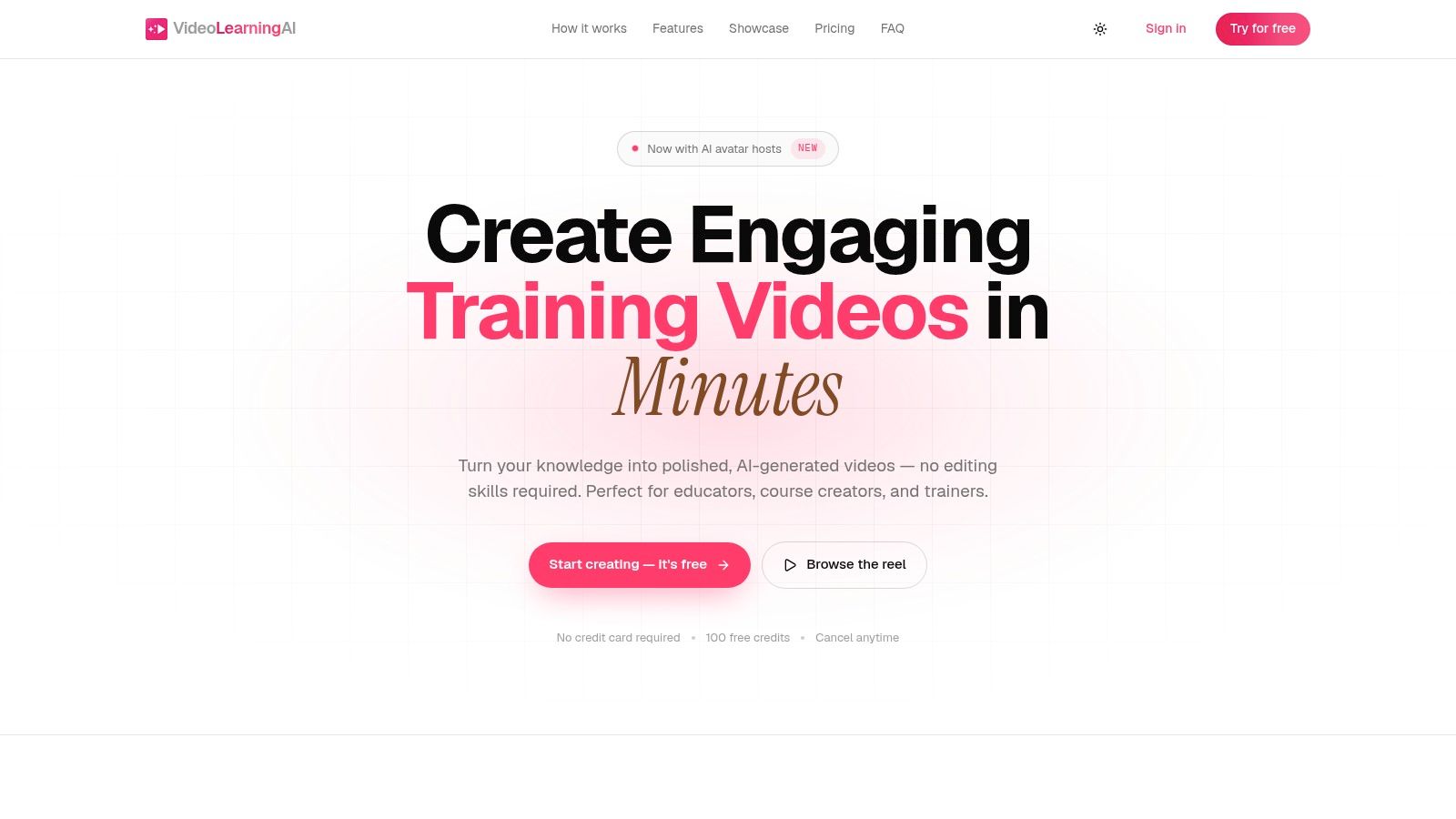
VideoLearningAI is the strongest starting point here for teams prioritizing short instructional videos over hands-on editing. Our workflow turns course material or ideas into scripts, narration, captions, and timed visuals, with editable stages before publication. You don't need to arrange every asset on a timeline.
The useful distinction is the training focus. An onboarding explanation, customer-education lesson, or policy refresher needs clear sequencing and maintainable content, not elaborate cinematography. Our templates support those use cases, and avatar hosts are available when a presenter helps orient the learner.
What reaches the LMS
We support MP4 downloads, public-link sharing, and SCORM packages for learning management systems. Use MP4 when your LMS or authoring tool supplies the assessment and tracking; use SCORM when you need a packaged lesson. Public links are useful for review, but aren't a substitute for LMS reporting.
- Production control: Choose Low, Medium, or High video quality to balance rendering speed against visual detail.
- Narration review: Preview voices before rendering so pronunciation and tone don't become expensive late-stage corrections.
- Publishing boundary: SCORM export is supported, but the available plan information doesn't establish its tier entitlement or exact reporting behavior. Don't assume those details from the presence of an export button.
Budget around the published lesson
Our Starter plan is $59/month with 10 videos up to 60 seconds each; Pro is $99/month with 20 videos up to 2 minutes each; Enterprise is $199/month with 50 videos up to 5 minutes each. Every account starts with 100 free credits, with no credit card required.
Those allowances aren't a verified credit cost per published minute. Don't divide the subscription by its theoretical maximum output and call that your production cost: revisions, shorter lessons, and unused capacity change the result.
The trade-off is less timeline control than a dedicated editor. I'd shortlist this workflow for repeatable microlearning, then test an actual SCORM package before standardizing delivery. Our terms also make the review obligation explicit: generated videos may be factually inaccurate, and users must review, edit, and validate them before use.
2. Synthesia
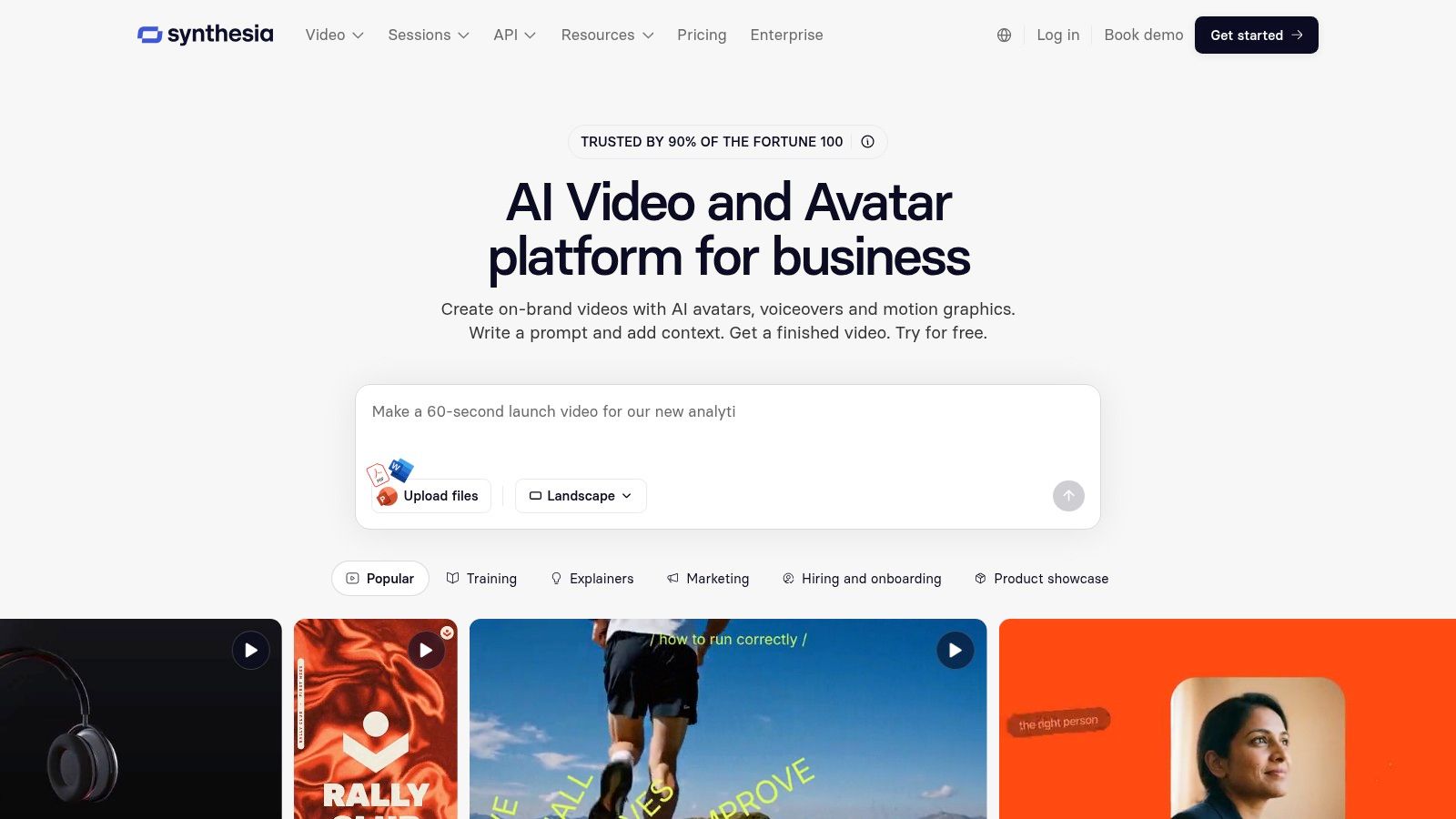
Choose Synthesia when a consistent presenter-led format matters across an ongoing training library. It accepts prompts, scripts, documents, and PowerPoint presentations, then gives authors a scene-based environment for refining the result.
That structure suits internal communications, policy explainers, and onboarding introductions. Updating a passage doesn't require booking a presenter again, although someone still needs to review the surrounding narration and visuals for continuity. Localization is another reason to shortlist it, provided translated versions receive their own content review.
Strong production, conditional publishing
Synthesia's interactive-video and learning capabilities sit on higher plans. Don't assume the entry subscription includes the publishing path your LMS requires, or that an interactive hosted video behaves like a downloadable course package.
- Best input: An approved script or well-structured deck with clear learning objectives.
- Main advantage: Repeatable presenter-led scenes that non-specialist authors can maintain.
- Main limit: Credit-based usage needs a production estimate, while the exact SCORM entitlement and per-minute credit rate aren't established here.
For procurement, request a sample export from the proposed subscription, not a demonstration from an unrestricted sales account. Import it into your LMS and verify what the learner record contains.
I'd favor Synthesia over a timeline editor for a standardized presenter-led library, but not for software instruction where learners must see the actual interface. The Synthesia alternative comparison is useful when weighing that presenter-first approach against a more training-focused creation workflow.
3. Colossyan
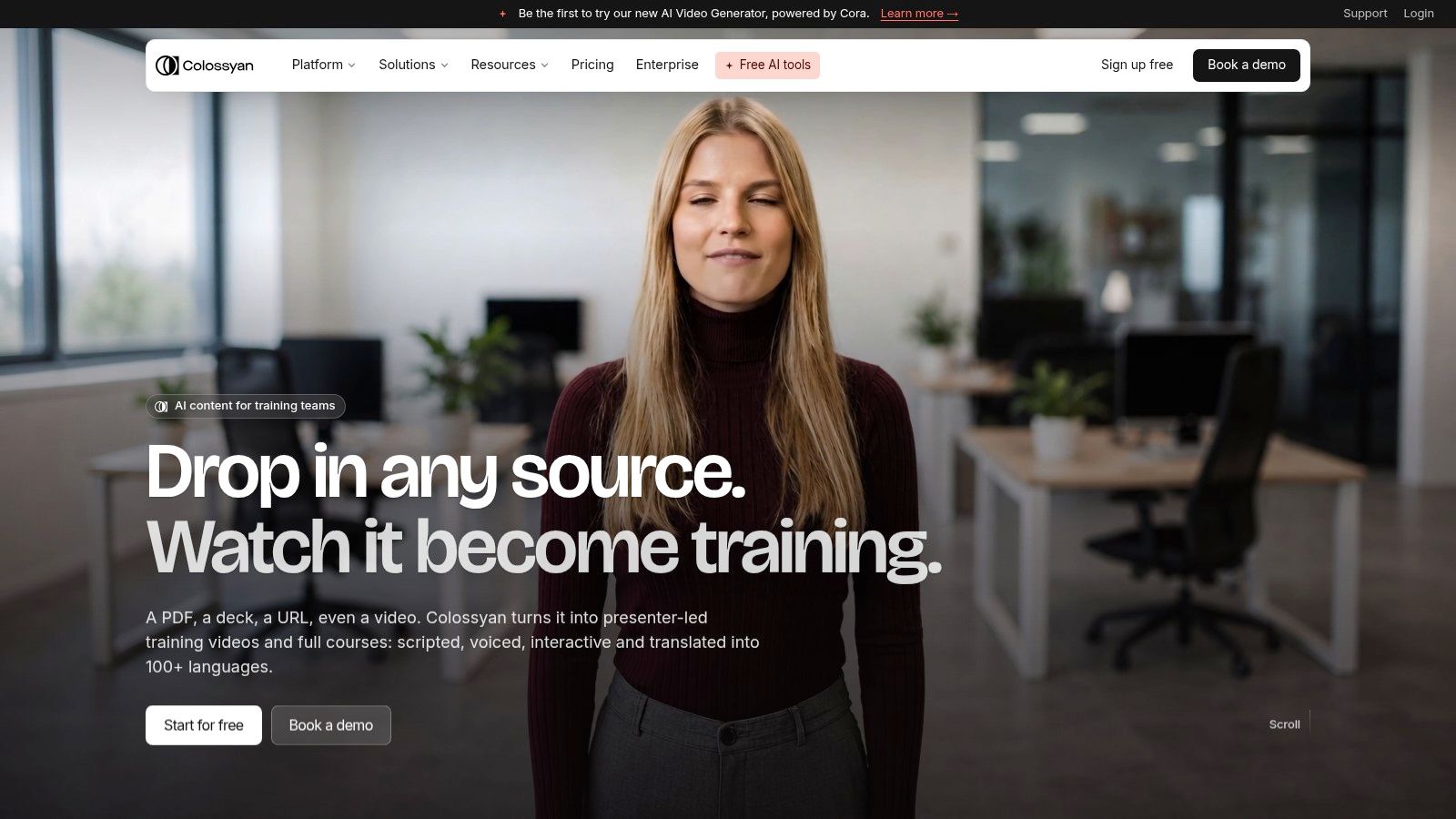
Say your compliance team has a policy document, a presentation with speaker notes, and an approval process. Colossyan fits that starting point because it turns documents, public URLs, and scripts into editable drafts with scenes, narration, an avatar, and brand styling.
Its review-before-rendering approach is useful. Correcting an omitted exception in a draft is preferable to discovering it after narration, translation, and stakeholder approval. However, importing a document doesn't turn its contents into sound instructional design automatically.
The clearest publishing gate
Colossyan explicitly places SCORM export with completion and score tracking on its Professional plan. That's a meaningful distinction for buyers: the relevant subscription is the one that supports the required delivery format, not necessarily the cheapest creation plan.
> Approval rule: Have the policy owner approve the script and any assessment answers before rendering the final lesson.
Quizzes and branching aren't automatically generated by the assistant. Budget authoring time for those elements instead of treating a generated video draft as a finished course.
The free plan can help you assess source conversion, but a creation trial alone doesn't validate the paid publishing workflow. Test how the package reports completion, how scores reach the LMS, and what happens when a learner exits and returns.
Colossyan deserves a strong shortlist position for document-heavy workplace learning. Its limitation is the remaining course-design work: someone must define the objective, build meaningful checks, and approve the lesson. The exact credit cost per published minute isn't established here, so include revisions and localized versions in the commercial evaluation.
4. HeyGen
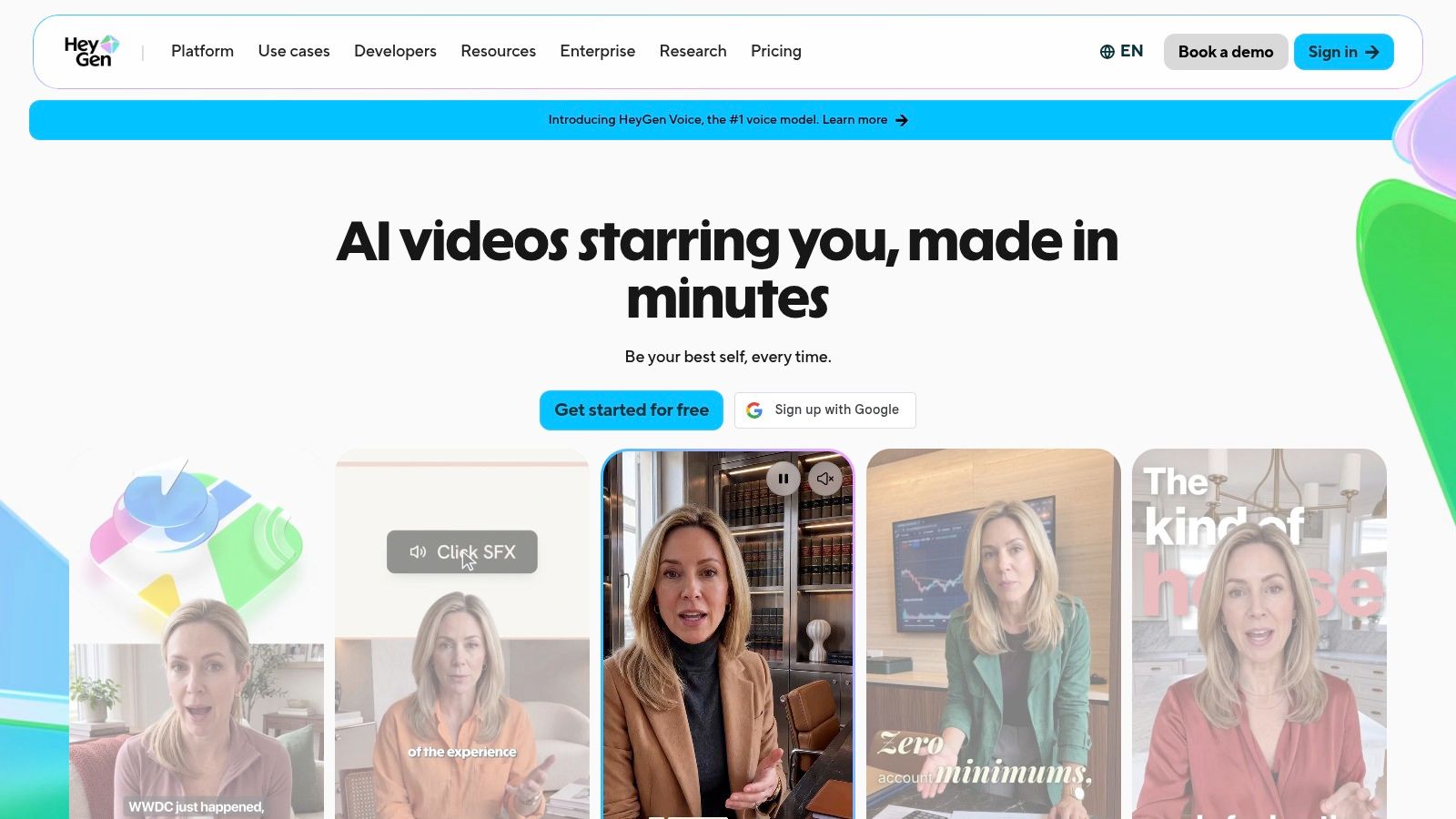
Localization is the strongest reason to evaluate HeyGen. Its stock and custom presenters, voice and likeness options, and lip-synced translation suit organizations producing audience-specific versions of training explainers.
But a translated presenter isn't a localized lesson. Product labels, policy terminology, screenshots, captions, and assessment answers all need to agree. A fluent voice can make an incorrect translation harder for a reviewer to notice.
- Publishing gate: SCORM export and LMS integrations are on the Business plan.
- Team workflow: Business collaboration features include shared workspaces, centralized billing, and SSO.
- Cost variable: Paid usage consumes credits, with consumption varying by feature and model. There isn't a defensible universal credit-per-minute figure to apply across workflows.
Test the expensive path
Use the free plan to assess the authoring experience, then evaluate the actual Business workflow if LMS delivery is mandatory. Include a representative translation and a revised render in the test, rather than pricing only the first successful source-language video.
For custom presenters, establish written permission for the person's likeness and voice, and assign responsibility for retiring the asset when that permission changes. Keep approval records alongside the source script.
I'd choose HeyGen when presenter customization and multilingual communication outweigh document-to-course automation. I wouldn't select it solely because a translated avatar looks natural. The HeyGen alternative comparison can help distinguish that localization-led purchase from a broader instructional-production requirement.
The key acceptance test remains the published lesson: does the correct language version launch, display readable captions, and return the expected result to the LMS?
5. Elai
!Elai
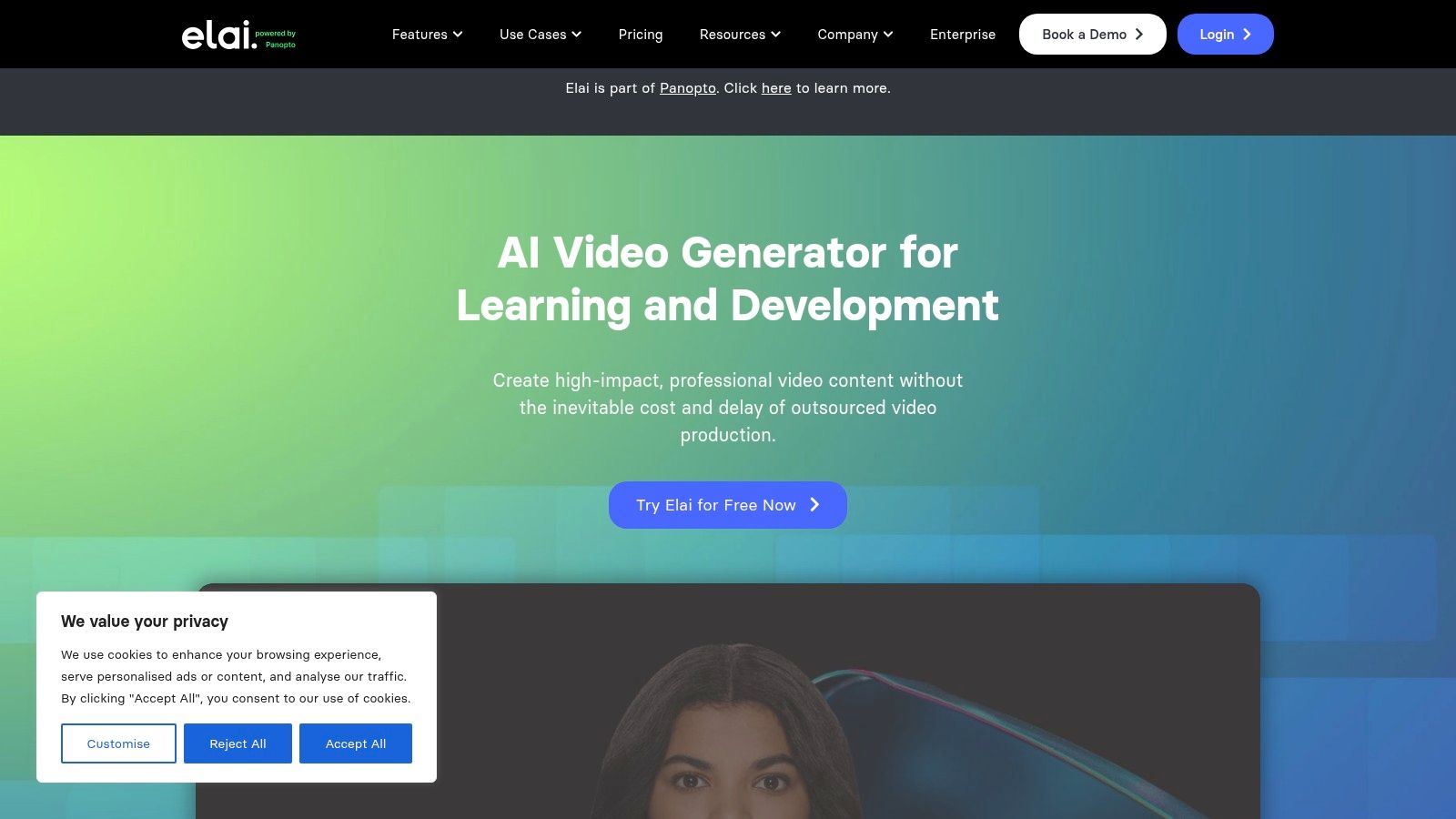
A deck with useful speaker notes gives Elai a practical starting point. It supports PowerPoint-based creation and can use those notes as the avatar's speech text, alongside text- and URL-based workflows.
That matters for teams with legacy course libraries. You can retain a familiar content structure while replacing recorded delivery with editable narration. Still, reading every slide note verbatim usually produces a lecture rather than a focused lesson.
Preserve the expertise, rewrite the delivery
Before importing, remove facilitator instructions, housekeeping, and material that only makes sense during a live workshop. Keep the process explanation, worked example, and decision the learner needs to make. Then check that the visuals demonstrate the narration instead of merely repeating it.
Elai lists SCORM export and interactive-learning features, but the precise plan entitlement isn't established here. Treat that as an unresolved purchasing requirement, not evidence that every subscription includes a complete LMS workflow.
Its subscriptions use a fixed video-minute allowance. That makes the relevant questions different from a pure credit system: which operations consume minutes, whether corrections consume the allowance again, and how localization affects available production capacity.
- Good fit: Existing slide libraries with accurate notes and a content owner available for review.
- Weak fit: Dense decks that need substantial redesign before anyone should narrate them.
- Buying condition: Obtain the export format, tracking behavior, and interactive-feature entitlement for the proposed plan.
I'd shortlist Elai for slide conversion rather than assume it replaces an authoring tool. A successful import proves that content entered the system, not that the resulting course teaches or tracks correctly.
6. AI Studios by DeepBrain AI
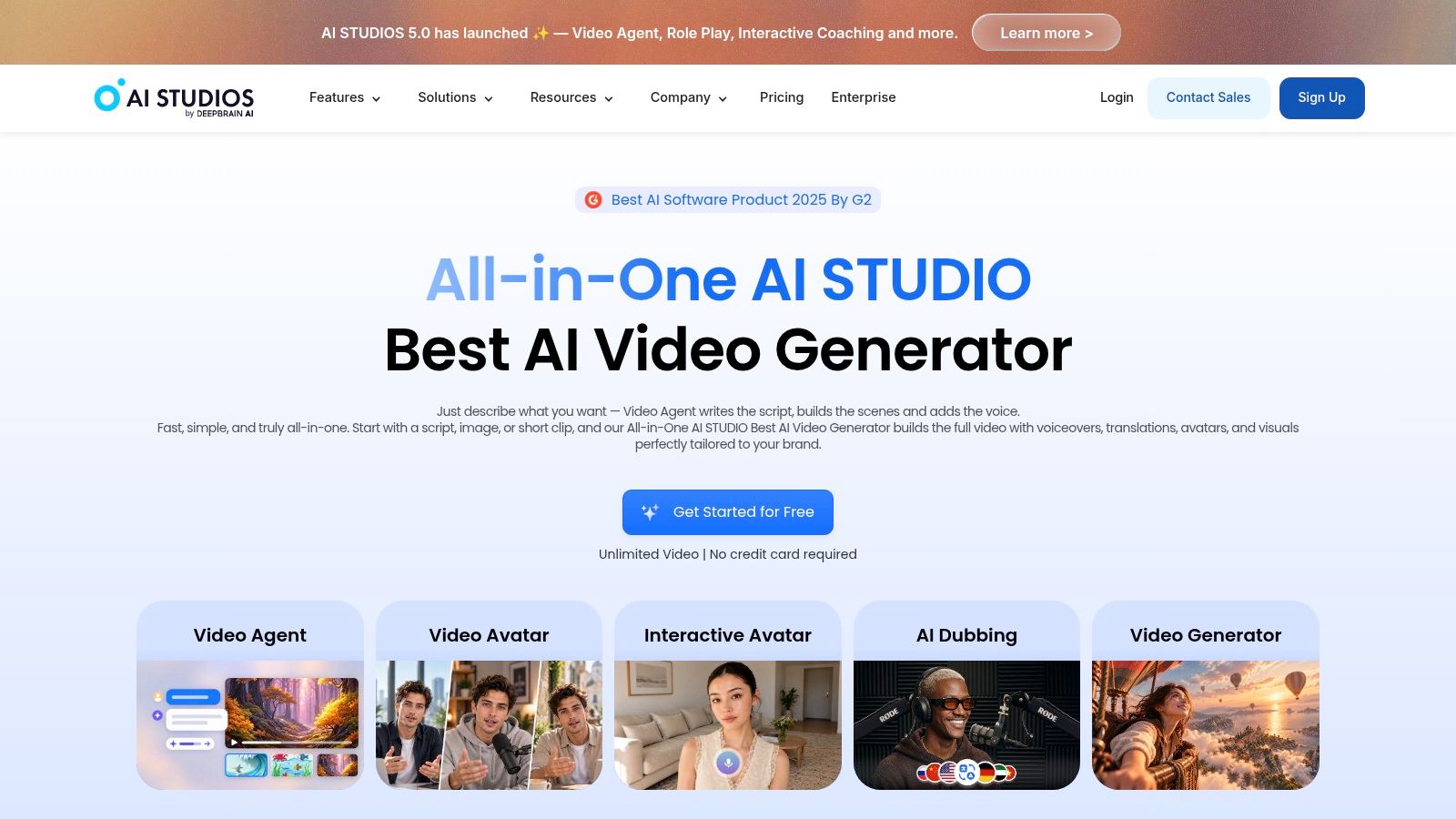
AI Studios offers flexible starting points: a topic, URL, PDF, presentation, script, or template. That's useful when different subject-matter experts hand over different kinds of material and the training team needs a common production environment.
The platform can generate draft scripts, visuals, and avatar narration, followed by scene-level editing. Its breadth suits business explainers as well as training, but broader input support doesn't establish a complete course-publishing workflow.
Watch seats as well as output
The Team plan is billed per seat. For a centralized L&D function, distinguish authors who need editing access from reviewers who only need to approve content. Otherwise, a modest publishing schedule can still produce an unnecessarily large software bill.
Personal and Team plans also have different per-video duration limits. Check the permitted project length against your actual module structure before purchase, especially if you intend to combine several segments into a continuous lesson.
> A video that plays inside an LMS isn't necessarily a course that reports learner progress.
The exact SCORM entitlement, downloadable package behavior, and credit cost per published minute aren't established here. If your workflow uses a separate authoring tool, that may be acceptable: generate the video, then add assessment and tracking downstream.
I'd consider AI Studios for mixed-source production where authors need several ways to start. I'd rank it lower for an LMS-first purchase until the publishing requirements are demonstrated. Ask the vendor to show the proposed plan's export controls and run the resulting asset through your existing publishing stack, rather than accepting a generic integration claim.
7. Camtasia
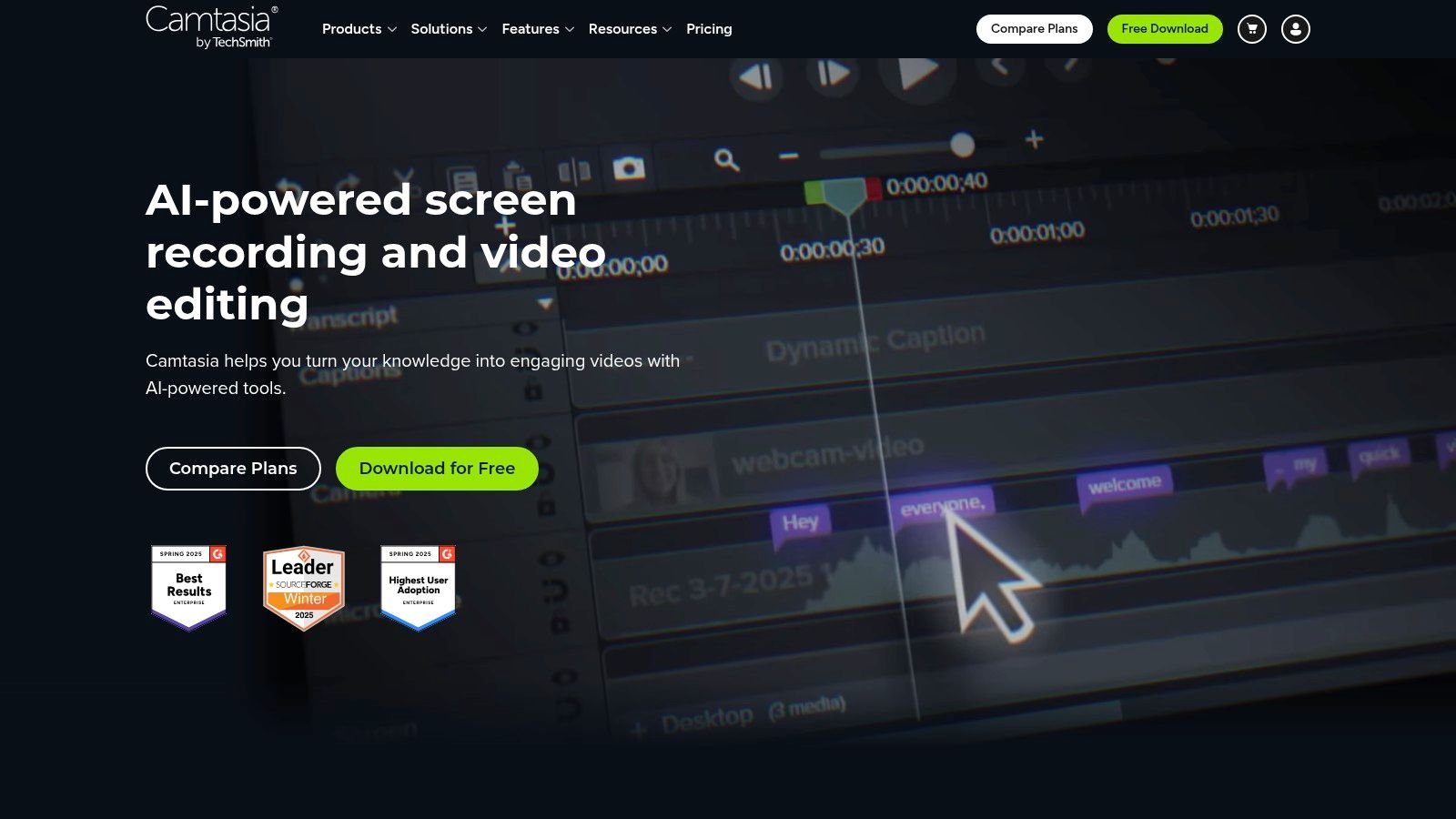
For software training, Camtasia can be a better fit than automated video generators. A lesson on submitting an expense claim often needs to show the actual interface, cursor movement, and decision points, not an avatar describing a screen.
Screen recording and timeline editing let authors control demonstrations, callouts, narration, and captions. That control takes hands-on production time, but makes it possible to remove a mistaken click or emphasize a field learners often miss.
Prefer evidence over presentation
Use a clean demonstration account with fictional information. Record the task in short segments that can be replaced individually, and keep narration separate where practical so an interface update does not require rebuilding the entire lesson.
- Core strength: Real screen activity and precise editing for process demonstrations.
- Plan gates: Camtasia's AI features depend on the plan you buy, so confirm on its pricing page which tier includes the avatar, translation, or collaboration options you need before purchase.
- Publishing trade-off: A rendered video is not necessarily a trackable course. Check whether your delivery workflow adds the assessments and LMS reporting your program requires.
Camtasia's production cost is measured in authoring time, recording preparation, accessibility work, and future updates, rather than a generator's credit cost per minute. Choose it over an avatar-led tool when procedural accuracy depends on showing exactly what someone clicks. The Camtasia alternative comparison can help clarify whether recording control or automated script-to-video production better fits the job.
How the 7 best video AI platforms compare on pricing and fit
Pricing labels alone don't show how much work remains before a lesson is ready for an LMS. Compare each tool's entry offer and pricing model alongside its fit for the training format you need.
| Item | Pricing model | Free entry point | Best for | |---|---|---|---| | VideoLearningAI | Monthly plans: Starter $59, Pro $99, Enterprise $199 | 100 free credits; no credit card required | Training videos for educators, course creators, and learning teams, with MP4 and SCORM exports | | Synthesia | Credit-based usage; plan pricing not specified | Not specified | Presenter-led training and informational videos | | Colossyan | Plan-based; pricing not specified | Free plan | Workplace learning and enablement videos | | HeyGen | Credit-based paid plans; pricing not specified | Free plan | Avatar-led videos and multilingual communications | | Elai | Subscriptions with fixed video-minute allowances | Not specified | Turning written content and slide decks into narrated lessons | | AI Studios by DeepBrain AI | Individual and per-seat team plans; enterprise pricing available | Not specified | Avatar-led training explainers and business videos | | Camtasia | Plan pricing not specified | Not specified | Software demonstrations, walkthroughs, and recorded presentations |
For VideoLearningAI, the monthly plans set limits on both volume and length: Starter includes 10 videos up to 60 seconds each, Pro includes 20 videos up to 2 minutes each, and Enterprise includes 50 videos up to 5 minutes each. The platform exports MP4 files and SCORM packages, so it can support a path from script to LMS-ready lesson. Compare the plan limits with the duration and publishing format your training requires.
Match the Tool to Your Publishing Stack Before You Commit
Start where your approved source material lives. A slide library with strong speaker notes points toward a slide-conversion workflow; policy documents need careful script review; software procedures need real screen capture. Don't force every training problem into presenter-led video.
Then work backward from the learner record you need. If completion is enough, your LMS may handle an uploaded video appropriately. If you need scored assessment, branching, or resumable course behavior, establish which part of the stack supplies it and test the actual package.
Make the purchasing test representative
- Confirm the export: Distinguish MP4, hosted sharing, SCORM packages, and LMS integrations. They solve different problems.
- Confirm the subscription: Record which plan includes publishing, collaboration, localization, and required AI features.
- Measure usable output: Track credits or minutes consumed by drafting, corrections, translation, and final rendering.
- Test maintenance: Change a policy statement, republish, and verify that the LMS delivers the intended version.
Calculate credit cost per published minute by dividing the credits consumed during the pilot by the duration of approved output. Keep subscription cost, authoring time, and downstream packaging costs separate so the comparison remains useful. A low generation charge doesn't compensate for extensive correction work.
Run a real module through the free tier or trial before buying. If that tier doesn't allow the required export, request a demonstration using your material and the proposed paid entitlement. Test learner launch, captions, completion, assessment results, and return visits in your own LMS.
Review quality in separate dimensions rather than approving a clip because it looks polished. Video-Bench evaluates imaging quality, temporal coherence, and video-text consistency separately, a useful distinction for training acceptance tests.
Keep training approval separate from promotional distribution, too. A workflow for social media automation doesn't replace policy review, accessibility checks, or LMS validation.
No tool guarantees factual accuracy. Assign a content owner to validate every generated script, check narration against the source, and approve the published lesson. The best video AI is the one your team can afford to review, maintain, and deliver reliably.
---
VideoLearningAI turns existing learning material into editable training videos with narration, captions, and visuals, with MP4 and SCORM export options. Visit VideoLearningAI to try a real lesson and evaluate how it fits your review and LMS publishing workflow.