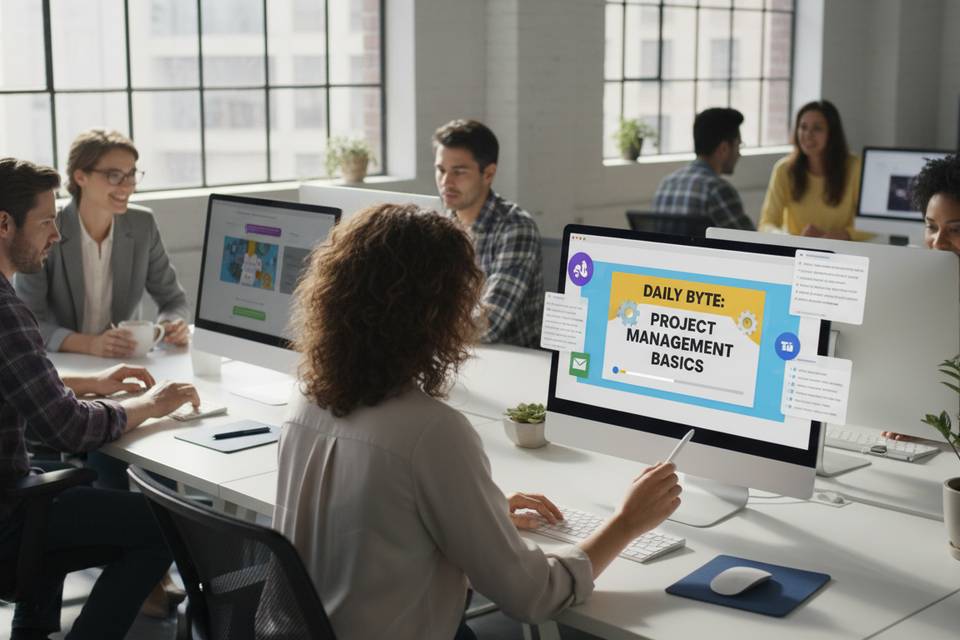
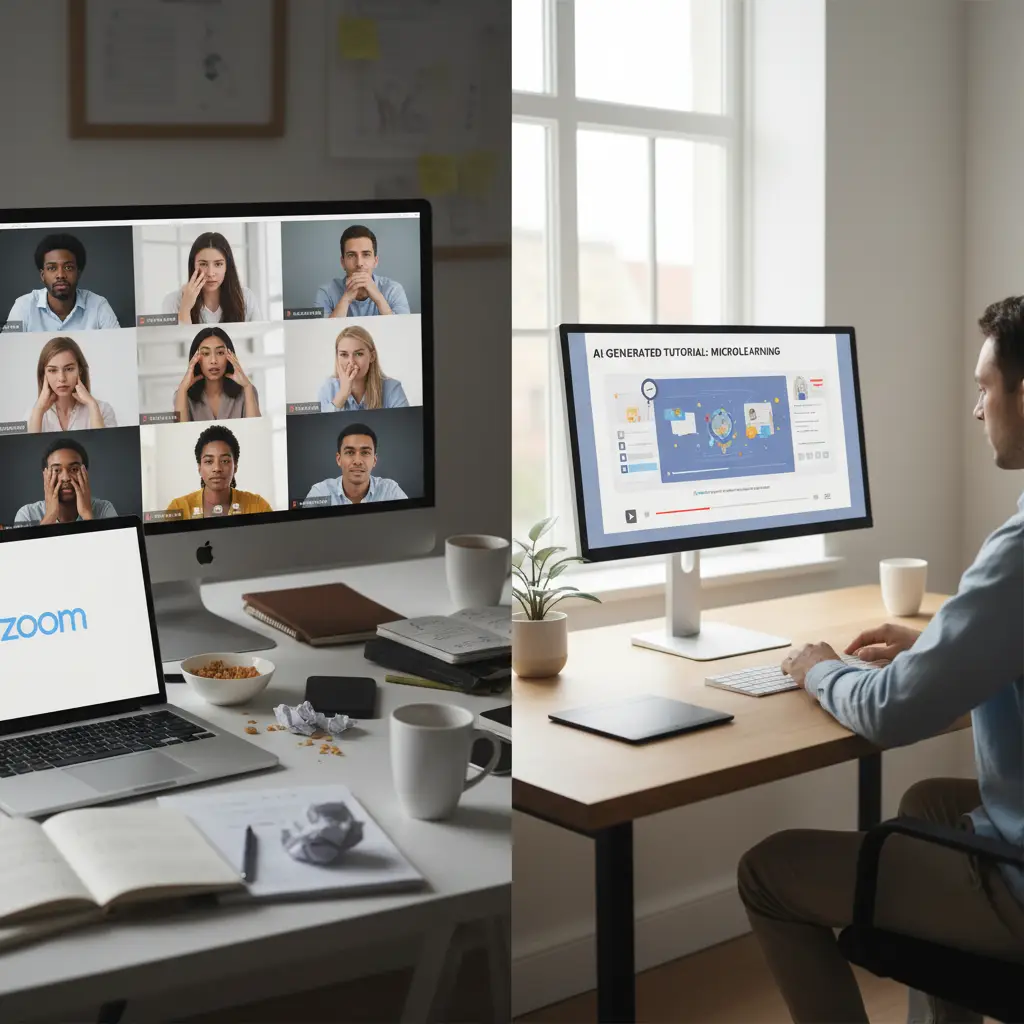
Most corporate training still happens the same way: someone schedules a Zoom call, 30 people join (15 minutes late), a presenter shares their screen for an hour, a handful of people ask questions, and everyone goes back to work hoping they'll remember the key points. They usually don't.
The content is usually fine. The format is the problem. Hour-long live video calls are one of the least effective ways to transfer knowledge at scale. Scheduling friction, passive watching, time zone conflicts, and Zoom fatigue all work against retention. More L&D teams are switching to short, async, AI-generated video tutorials each quarter because the format sidesteps all of these issues.
Below: why live Zoom trainings break down at scale, what the AI-generated alternative actually looks like, and a practical framework for migrating your training program.
Why live Zoom trainings fail at scale
Live training sessions made sense when everyone was in the same office. In distributed and hybrid organizations, they create problems that stack up fast:
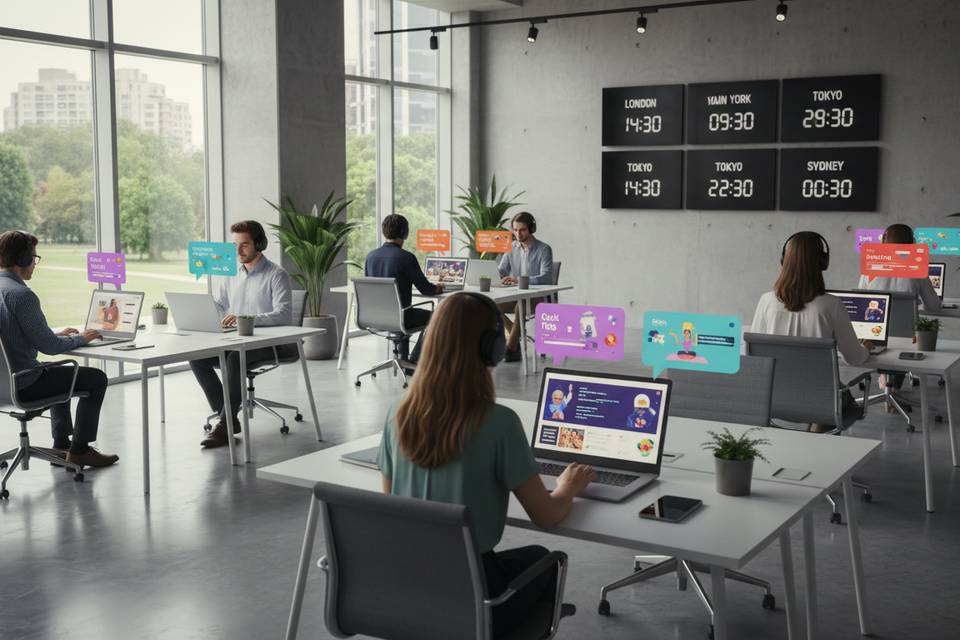
Scheduling is a bottleneck. Coordinating across time zones means someone always attends at an inconvenient hour, or doesn't attend at all. A single training for a global team might need three separate sessions just to cover all regions.
No-shows and partial attendance are normal. Calendar conflicts, urgent tasks, and meeting fatigue mean a significant chunk of invitees routinely miss live sessions. The people who need the training most are often the ones who can't make it.
Passive watching kills retention. Sitting through a presentation without doing anything produces poor long-term retention. Most attendees are multitasking during Zoom trainings, and the format doesn't discourage it.
Recordings don't help much. Even if the session is recorded, a 60-minute video with no structure is nearly useless for someone who needs to review one specific procedure three weeks later. Nobody scrubs through an hour of footage to find the 4 minutes they need.
Presenter dependency creates fragility. When training quality depends on one person's availability and presentation skills, scaling means either cloning that person or accepting inconsistent quality across sessions.
None of this means live sessions are always wrong. Some trainings genuinely benefit from real-time interaction. But most corporate training content is informational, procedural, or compliance-based, and those categories work better as async video.
What AI-generated tutorials look like in practice
AI-generated training videos have come a long way from the robotic, text-to-speech slideshows of a few years ago. Current tools produce content that includes:
- Natural-sounding voiceover from text scripts, without a recording studio or voice talent
- AI avatars or presenters that deliver content with human-like presence
- Visual aids generated from your existing documents, slides, or written materials
- Consistent branding and quality across every video, regardless of who creates it
The typical output is a focused video between 3 and 8 minutes long, covering a single concept, procedure, or skill. Instead of a 60-minute Zoom session covering five topics, you produce five separate videos, each self-contained, searchable, and replayable.
What makes this practical is the production speed: AI tools compress creation from weeks to hours. A subject-matter expert writes or provides the script content, and the tool handles voiceover, visuals, editing, and export. No camera crews, no editing software expertise, no recording session to schedule.
Step-by-step migration framework
Moving from live Zoom trainings to AI-generated video doesn't happen overnight, and it shouldn't. Here's a practical migration path:
1. Audit your existing Zoom training sessions
Start by listing every recurring training session your team runs. For each one, note:
- Topic and purpose — What is this training supposed to teach?
- Frequency — How often is it delivered (weekly, monthly, quarterly)?
- Duration — How long does the session run?
- Audience size — How many people attend?
- Interaction level — How much Q&A, discussion, or hands-on work happens?
- Change frequency — How often does the content change?
This audit reveals which sessions are candidates for migration and which should stay live.
2. Classify each session
Not every training should become a video. Use this framework:
| Training type | Live or async? | Why | |---|---|---| | Compliance and policy updates | Async (AI video) | Content is standardized, interaction is minimal, needs documentation trail | | New hire onboarding | Async (AI video) | Same content delivered repeatedly, benefits from self-paced consumption | | Software tool walkthroughs | Async (AI video) | Procedural, step-by-step content that employees revisit when needed | | Recurring process updates | Async (AI video) | Frequent delivery of similar content, high scheduling overhead | | Product knowledge training | Async (AI video) | Factual content that changes periodically, easily scriptable | | Leadership development workshops | Keep live | High interaction, discussion-based, benefits from real-time coaching | | Team-specific problem-solving | Keep live | Requires collaborative discussion and context-specific input | | Sensitive HR topics (layoffs, restructuring) | Keep live | Requires empathy, real-time Q&A, and human presence | | Hands-on technical labs | Hybrid | Demo via async video, hands-on practice in live session |
The general rule: if the training is primarily one-directional information transfer, it's a strong candidate for async video. If it requires real-time discussion, collaboration, or emotional sensitivity, keep it live.
3. Script the async portions
For each training you're converting, create a script. This is where most of the real work happens, and where quality is determined.
Break the original session into discrete modules. A 60-minute Zoom training on "Q1 Sales Process Updates" might become:
- Video 1: New lead qualification criteria (4 min)
- Video 2: Updated CRM workflow for deal stages (5 min)
- Video 3: Revised pricing approval process (3 min)
- Video 4: New competitive positioning talking points (6 min)
Write for watching, not reading. Scripts should be conversational, the way a good presenter talks, not the way a policy document reads. Short sentences, concrete examples, direct language.
Include visual cues in the script. Note where a diagram, screenshot, or on-screen text should appear. AI video tools work best when you're explicit about what the viewer should see at each point.
4. Generate the videos with AI tools
Feed your scripts into an AI video generation tool. The workflow typically looks like:
1. Paste or upload the script 2. Select a voice and visual style 3. Add any supplementary materials (slides, images, documents) 4. Generate and review the output 5. Make edits and regenerate if needed
A 5-minute training video that would take a video production team 2–3 weeks can be generated in under an hour, including review and revisions.
5. Distribute through existing channels
Don't create a new destination for training videos. Put them where employees already go:
- Slack or Teams channels — Post directly in relevant team channels with a brief description
- LMS (Learning Management System) — Upload to your existing LMS for tracking and compliance
- Internal wiki or knowledge base — Embed alongside related documentation
- Email digests — Include in weekly or monthly training roundups
- Onboarding sequences — Add to automated onboarding flows for new hires
The goal is zero-friction access. If someone has to navigate to a separate portal, log in, and search for the video, completion rates will drop.
Which trainings to replace first
Start with high-impact, low-risk migrations:
Tier 1 — Replace immediately:
- Compliance and policy trainings (repetitive, standardized, trackable)
- Software tool walkthroughs (procedural, high rewatch value)
- New hire onboarding modules (delivered to every new employee, same content)
Tier 2 — Replace next:
- Monthly or quarterly process updates (recurring scheduling burden)
- Product knowledge refreshers (content changes but format stays consistent)
- Customer-facing team training (sales scripts, support procedures)
Tier 3 — Evaluate case by case:
- Technical deep-dives (may need hybrid approach)
- Cross-functional training (depends on interaction requirements)
- Manager training (some modules async, coaching stays live)
Keep live:
- Workshops requiring group exercises
- Sessions where real-time Q&A is the primary value
- Sensitive organizational communications
Measuring the impact
Switching formats without measuring results is just guessing. Track these metrics to validate your migration:
Time saved per training cycle. Calculate the total person-hours spent in the old Zoom format (attendees x session duration x number of sessions) versus the time spent watching async videos. Organizations that have made this switch typically cut total training time in half or more, because employees watch only what they need and skip what they already know.
Completion rates. Compare how many people actually completed the training. Live sessions have an implicit "completion" (you showed up), but attendance doesn't equal learning. Async videos with tracking often show higher genuine completion because employees can watch at their best time.
Knowledge retention. Add a short quiz after each video module. Compare scores against any assessments from the old live format. Short, focused videos tend to produce better retention on factual and procedural content.
Time-to-competency for new hires. Measure how quickly new employees can perform key tasks. On-demand video training often accelerates onboarding because new hires aren't waiting for the next scheduled session.
Employee satisfaction. Survey employees on their training experience. The feedback you'll hear most: "I can rewatch the parts I didn't understand" and "I don't have to block my calendar for an hour."
Common objections and how to address them
"Employees won't watch videos on their own"
They won't watch _bad_ videos on their own. A 60-minute recording of someone sharing their screen and mumbling through slides? No, that won't get watched. But a 4-minute video that clearly explains one thing someone needs to know? Those get completed at high rates, especially when they show up in channels employees already use.
Length and structure matter more than anything else here.
"We need the interaction and Q&A"
Look at how much interaction actually happens in your current Zoom trainings. For most informational sessions, Q&A fills maybe 5 minutes and involves the same two or three people. Those questions and answers can go in a FAQ document, a Slack thread, or a short follow-up AMA for the sessions that genuinely need it.
Save live interaction for trainings where it adds real value: workshops, coaching, and problem-solving. Free up the rest by moving informational content to video.
"It's too expensive to produce video content"
That was true five years ago. AI video generation tools have cut production costs dramatically since then. One person with subject-matter knowledge can produce a professional training video in under an hour, without a production team, a studio, or editing software.
Run the numbers: compare the cost of producing a 5-minute AI-generated video once against scheduling and running a live Zoom session every month for 30 people. The video is cheaper after the first month.
"Our content changes too frequently"
This is actually an argument _for_ AI-generated video, not against it. When content changes frequently, you need a fast production method. Re-recording a live session means rescheduling everyone. Updating an AI video from a revised script takes minutes.
Making the transition practical
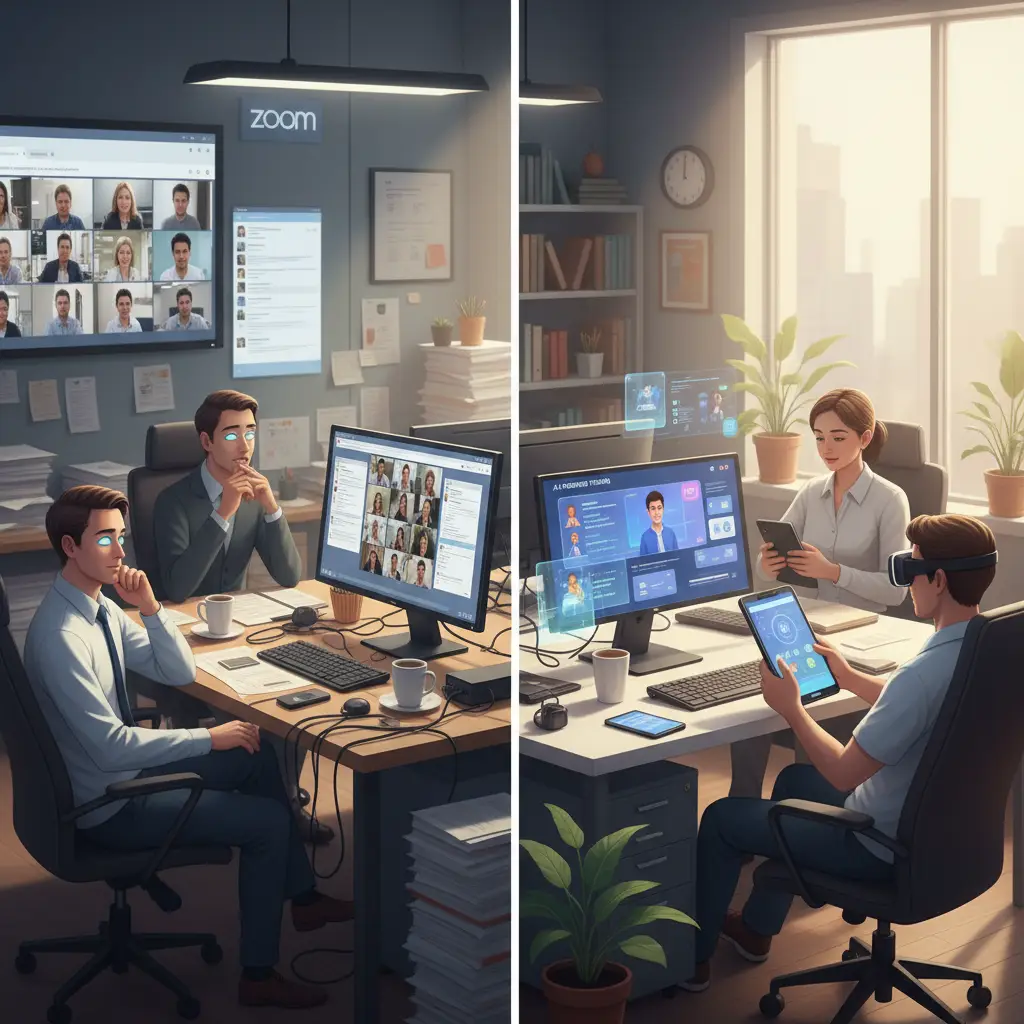
The real barrier to migrating from Zoom trainings to AI video isn't buy-in. Most L&D teams already know that short async video would work better for most of their catalog. They don't switch because traditional video production is slow, expensive, and requires skills they don't have.
AI video generation removes that barrier. Tools like VideoLearningAI let you turn existing documents, slides, and written materials into short, professional training videos without recording equipment, editing software, or production experience. Someone with a script can have a finished video in minutes.
You don't have to migrate everything at once. Start with your Tier 1 candidates: the compliance trainings, onboarding modules, and tool walkthroughs that everyone agrees don't need to be live. Measure the results. Then expand from there.
The bottom line
Most organizations already have too many Zoom trainings and not enough people completing them. The tools to fix this exist now, and they're fast enough that your L&D team can start producing async video this week.
Pick three trainings from your calendar, script them as short videos, and generate the first batch. You'll learn more from running the experiment than from any amount of planning.