
Most training teams know they should be using video. Learners prefer it, completion rates go up, and it beats a 40-page PDF every time. But the actual production? That's where things stall.
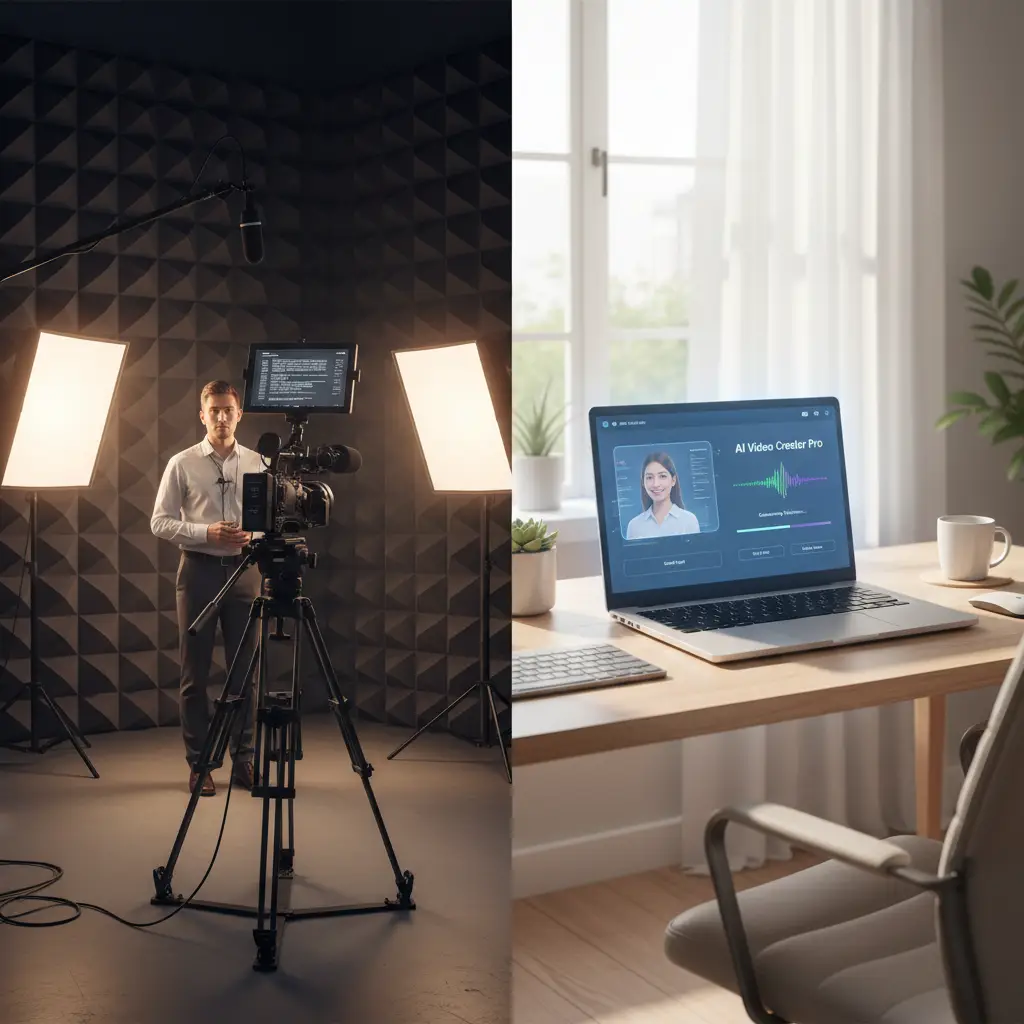
Someone needs to stand in front of a camera. You need decent lighting, a quiet room, maybe a teleprompter. If the presenter flubs a line, you reshoot. If a policy changes two months later, you reshoot again. And if you need the same content in Spanish, Mandarin, and German, you're looking at subtitles or hiring three more presenters.
None of that is necessary anymore. AI avatars and synthetic voiceovers let you go from a written script to a finished training video without anyone stepping in front of a lens. Here's how the whole process works, step by step.
Why filming is the bottleneck for training video production
Filming itself isn't complicated. But it creates a chain of dependencies that slow everything down:
- Scheduling. Getting a subject matter expert, a room, and recording equipment aligned on the same afternoon is harder than it sounds.
- Talent reluctance. Many employees don't want to be on camera. The ones who do aren't always the right people to explain the material.
- Editing overhead. Raw footage needs cuts, b-roll, graphics, and sometimes multiple takes stitched together. A 5-minute training video can take a full day of editing.
- When the content changes, you can't just swap a paragraph. You need the same person, in the same setting, wearing the same clothes, to record a new take. Or you start from scratch.
- Translating a filmed video means either subtitles (which many learners ignore) or re-recording with new presenters in each language.
These aren't minor inconveniences. For teams that need to produce dozens of training modules across departments, languages, and regulatory cycles, traditional filming doesn't scale.
The no-filming workflow: how AI training videos actually get made
Here's the process, start to finish, for creating a training video without any recording equipment.
Step 1: Write or convert your script
Every training video starts with a script. You probably already have the raw material sitting in existing documents:
- Onboarding checklists
- Policy documents and SOPs
- Slide decks from live trainings
- Knowledge base articles
- Compliance guidelines
The goal is to turn this into a spoken narrative. Write it the way someone would say it out loud, not the way it reads in a document. Short sentences. Direct language. One idea per paragraph.
If writing from scratch feels slow, AI writing assistants can help convert a bullet-point outline into a conversational script. Just review the output for accuracy before moving on.
Practical tip: Read your script aloud before generating the video. If you stumble over a phrase, your AI voiceover will sound awkward too. Fix it in text first.
Step 2: Choose your AI avatar and voice
AI avatars are digital presenters that lip-sync to your script. Modern avatars look realistic enough that most viewers can't immediately tell the difference from a recorded person, especially in a training context where the focus is on the content, not the presenter.
When picking an avatar and voice, consider:
- Audience expectations. A casual tech startup might want a younger, relaxed presenter. A compliance module for a financial institution might call for a more formal tone.
- Consistency across modules. Using the same avatar throughout a training series builds familiarity. Learners associate that face with your training program.
- Language and accent. If your team spans multiple countries, choose voices that match regional dialects. A Latin American Spanish voiceover lands differently than a Castilian one.
Most AI video platforms offer a library of avatars and voices. Spend 10 minutes testing combinations before committing. The voice matters more than the face for learner engagement.
Step 3: Add visuals and structure
A talking head alone gets monotonous fast, even if it's an AI talking head. Layer in supporting visuals:
- Screen recordings for software walkthroughs
- Slides or diagrams for process explanations
- Text callouts for key terms, definitions, or statistics
- Section breaks so learners can mentally bookmark where they are
Keep individual videos short. Aim for 3 to 7 minutes per topic. If your script runs longer, split it into a series. A module on "Expense Report Policy" could become three videos: how to submit, approval workflow, and common mistakes.
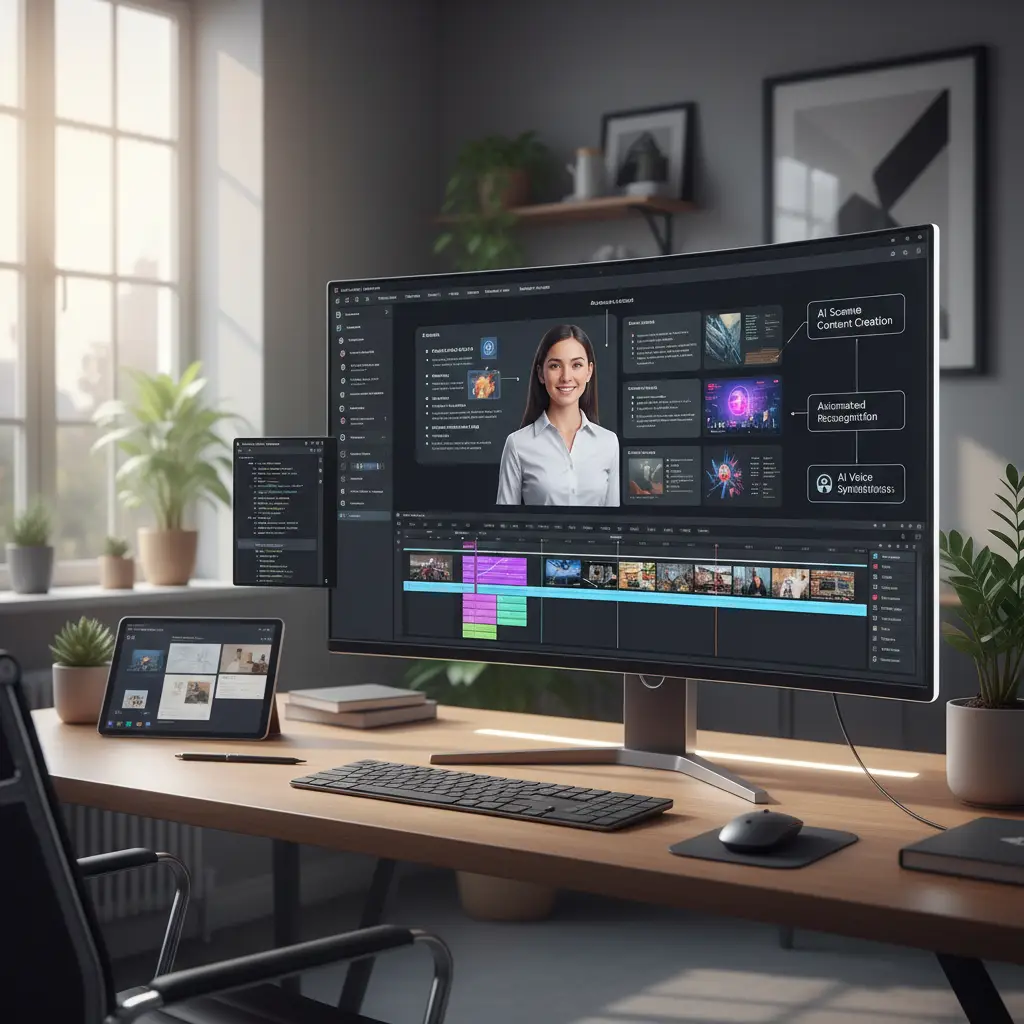
Step 4: Generate and review
Hit generate (or render, depending on the platform) and wait. Most AI video tools produce a finished video in minutes, not days. Once it's ready:
- Watch it all the way through. Check for pronunciation issues, awkward pacing, or visual glitches.
- Have a subject matter expert verify the content accuracy.
- Test it on a couple of real learners before rolling out to everyone.
Fixes at this stage are easy. Change a line of script, regenerate, done. Compare that to re-booking a conference room and a camera operator.
Step 5: Export and distribute
Once approved, export in the format your systems need:
- SCORM package if you're publishing to an LMS (Cornerstone, TalentLMS, Moodle, etc.). SCORM gives you completion tracking, quiz integration, and learner progress data out of the box.
- MP4 file for embedding in wikis, intranets, Slack, Teams, or email.
- Direct link for sharing via your training platform's built-in player.
The SCORM option matters more than people realize. Without it, you're guessing whether learners actually watched the video. With it, you have data: who completed it, how long they spent, and whether they passed the assessment.
Where this approach works best
AI-generated training videos aren't the right fit for everything. They're strongest in scenarios where:
Standardized content at scale
Onboarding, compliance, product knowledge, security awareness. Content that every employee needs to see, delivered consistently, regardless of who's training them or which office they're in. This is where AI video shines brightest.Frequent updates
Policies change. Software gets updated. Regulations shift. If your training content has a shelf life measured in months rather than years, the ability to update a script and regenerate beats reshooting every time.Multilingual teams
AI translation and localized voiceovers turn one video into ten. A single English script can produce versions in Spanish, French, Portuguese, Mandarin, Arabic, and more. The avatar's lip movements even adjust to match the new language. For global companies, this alone justifies the switch from traditional filming.Limited production resources
Not every organization has a video team, a studio, or even a decent camera. With AI video tools, a one-person L&D department can produce training videos that look just as polished as what a fully staffed team would create.Where traditional filming still makes sense
Be honest about the limitations. AI avatars aren't the answer for:
- Physical demonstrations. If you need to show someone assembling a machine, performing a medical procedure, or operating equipment, you need a real camera pointed at real hands.
- Executive communications. When the CEO addresses the company, people want to see the actual CEO. An avatar version would feel strange.
- Videos meant to inspire, build culture, or tell human stories benefit from real people, real expressions, and real settings.
The practical approach is to use AI for the 80% of training content that's informational and repeatable, and reserve filming for the 20% that genuinely needs a human on screen.
Cost and time comparison
The numbers vary by organization, but the general picture is consistent:
| Factor | Traditional filming | AI-generated video | |---|---|---| | Time to produce a 5-min video | 1–3 days (script, film, edit) | 1–3 hours (script, generate, review) | | Cost per video (outsourced) | $1,000–$5,000+ | $20–$100 (platform subscription) | | Update turnaround | Days to weeks | Minutes to hours | | Localization per language | $500–$2,000 (subtitles or re-record) | Included or near-zero marginal cost | | Equipment needed | Camera, mic, lighting, editing software | Laptop and a browser | | Presenter dependency | Yes (scheduling, availability, willingness) | None |
These numbers will vary depending on your setup, but the direction is clear. Teams that switch from filmed to AI-generated training videos consistently produce more content in less time. Once production stops being the bottleneck, the limiting factor becomes having enough good scripts.
Getting started: a simple first project
If you've never made an AI training video, start small. Pick one existing piece of training content that:
- Is text-based (a document, wiki page, or slide deck)
- Needs to reach a broad audience
- Gets updated at least once a year
Convert it into a 3–5 minute video following the steps above. Compare the time and effort to how you would have produced it traditionally. That comparison usually sells the approach internally better than any business case deck.
Tools for the job
Several platforms handle AI video generation for training content. When evaluating options, look for:
- Avatar quality and variety. Are the avatars realistic enough for your context? Do they offer different appearances, ages, and styles?
- Voice quality and language support. Test the voiceover in your primary language. Does it sound natural? How many languages and accents are available?
- SCORM export. Critical if you publish through an LMS and need completion tracking.
- Pre-built templates and layouts save time, especially when you're producing multiple videos in a series.
- Can you change one sentence and re-render without starting over? That edit-and-regenerate workflow matters more than you'd think.
VideoLearningAI checks these boxes with 50+ avatars, 20+ languages, SCORM and MP4 export, and a workflow that converts text documents directly into video. But whatever tool you choose, the key advantage is the same: you stop waiting for a film crew and start producing training content at the speed your organization actually needs.
Where to go from here
Production overhead has kept most training teams from making the videos they know they need. AI avatars and voiceovers take that problem off the table. You write a script, pick a presenter, and have a finished video in minutes.
If your team has been saying "we should make more videos" without following through, try one. Pick a single module, run it through the workflow above, and see how long it takes. That's usually enough to change the conversation internally.