
How to Publish Course Videos Publicly and Keep Modules Private
Mario Cabral
Mar 27, 2026 • 9 min read
Learn how to publish course intro videos publicly and keep lesson modules private. Includes architecture, access control, and tracking tips.
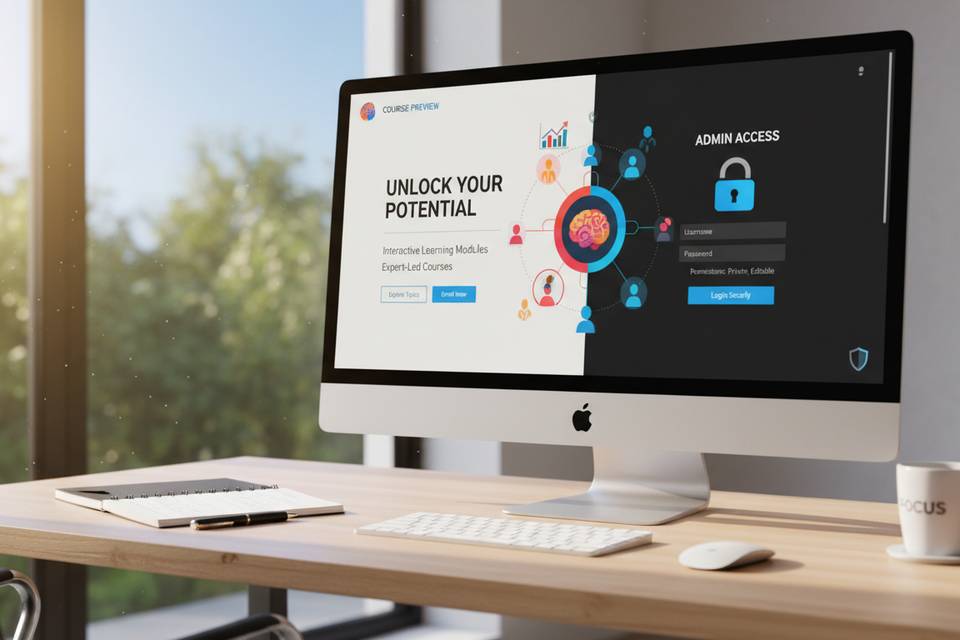
Publishing a public intro while keeping full modules private is one of the cleanest ways to balance SEO, acquisition, and learning quality.
Public pages help people discover your course. Private modules protect your curriculum, keep progress data clean, and preserve your monetization or internal access model.
The key is to design this as a system from day one.
A practical architecture for public + private delivery
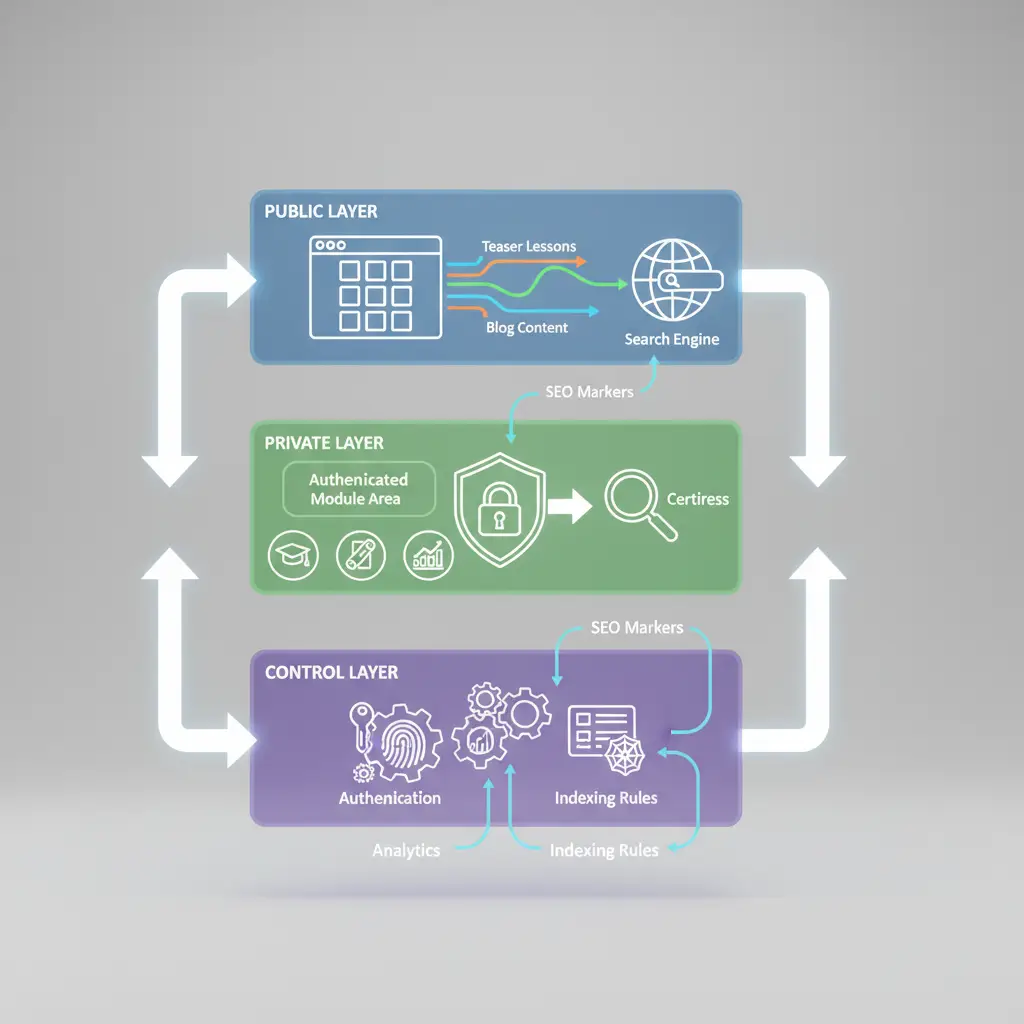
Treat this as three layers:
- Public layer: indexable pages, teaser lessons, explainers, and blog content
- Private layer: authenticated modules, assessments, certificates, progress data
- Control layer: auth, entitlement checks, analytics, and indexing rules
This architecture works for paid academies, internal enablement, and hybrid education products.
Step 1: Split route groups early
Use explicit route conventions:
Public examples: /blog/,/features/, /pricing, /course-intro/*
Private examples: /app/, /lms/, protected lesson IDs
This makes access policies and SEO governance easier.
When teams skip this step, they often ship mixed routes where public and private behavior conflict.
Step 2: Gate private content at multiple points
Do not rely on a single check.
Use layered protection:
1. Route-level guard (auth required) 2. Entitlement check (does this user have access?) 3. Asset delivery guard (signed URLs, short expiration)
This prevents direct media leaks and keeps content ownership clear.
Step 3: Keep SEO focused on public pages
Public discovery pages should carry your SEO strategy:
- clear intent in title and description
- canonical tags on main URLs
- internal links to high-intent pages
Private routes should avoid indexation noise:
- no indexing for protected module paths
- no accidental exposure through sitemap generation
If your goal is stronger discoverability for training teams, connect public entry pages with dedicated hubs like lms video publishing and your blog.
Step 4: Design the handoff from public to private
Most conversions fail at the handoff.
Use a clear sequence:
1. Public intro lesson defines value and outcome 2. CTA invites learner to continue in private modules 3. Registration confirms the next learning milestone 4. First private lesson starts immediately after auth
This reduces abandonment between signup and first module completion.
Step 5: Track the full learning funnel
Measure the whole path, not isolated pages:
- public intro view -> signup start
- signup complete -> first private module started
- module 1 completed -> module 2 started
- key module completion -> trial activation or checkout
Tie this to your core events and review it every two weeks.
Operational checklist for teams
Use this before every release:
- [ ] Public intro pages have clear objective and CTA
- [ ] Private routes require auth and entitlement
- [ ] Video assets are not exposed through permanent direct URLs
- [ ] Canonical/indexing rules are correct on all public pages
- [ ] Funnel events are firing from public and private steps
- [ ] Support team has a fallback flow for access issues
Common mistakes
Mistake 1: Public pages with no path to deeper learning
Fix: add explicit CTA and contextual links into private journey.Mistake 2: Private modules linked directly in crawlable pages
Fix: route learners through authenticated app flow only.Mistake 3: No first-session success milestone
Fix: define one “quick win” module and guide users there after signup.Mistake 4: SEO and product teams working separately
Fix: align SEO entry pages with actual onboarding journey.Final recommendation
Use public pages to educate and qualify. Use private modules for completion, assessment, and conversion.
If you need to implement this with less engineering friction, start from lms video publishing, structure your lesson production with training video workflow, compare pricing, and create your account at register.
Share this article:
Go deeper with VideoLearningAI
LMS Video Publishing
Publish course videos in LMS platforms with stronger playback, tracking, and learner experience.
AI Training Video Generator
Generate training videos with AI in minutes. Turn scripts and lesson ideas into polished educational videos.
Turn Course Material into Video
Convert course material to short, engaging videos using AI. Ideal for turning notes, slides, and scripts into lessons.
Keep reading

How Long Should a Microlearning Video Be? Practical Duration Guide
Learn how long a microlearning video should be. Includes recommended duration ranges, common mistakes, and examples by training goal.
Mar 26, 2026

How Long Should a Microlearning Video Be? Duration Guidelines That Actually Work
How long should microlearning videos be? Get specific duration guidelines by content type, from quick refreshers to scenario-based training, with tips to find the right length.
Mar 11, 2026